People — Contacts
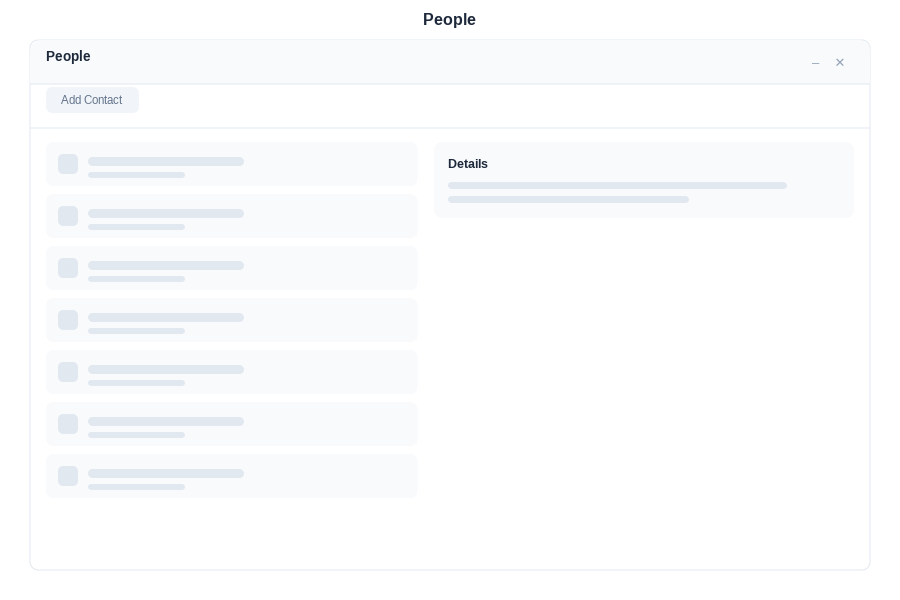

What it is
People manages contacts and leads (registry description for people); the shipped UI is Contacts, Groups & Directory.
Open it
The registry lists people as preview-only. Turn on Preview mode, click Start, type People and select its tile; see Find an app.
Do this
| Task | Label you will see |
|---|---|
| Browse contacts | Contacts, Groups, Directory, Recent, Search contacts... |
| Add a contact | Add Contact, Add a contact to get started, First Name, Last Name, Email, Phone, Company, Notes |
| Search deeply | Advanced Search, Name contains, Email, Job title, Tags (comma separated), Search |
| Import and export | Import CSV, Export CSV |
| Edit a record | Edit, Delete |
- Open People and choose Contacts (or Groups / Directory).
- Choose Add Contact and fill First Name, Last Name and Email, then save.
- Use Advanced Search or Import CSV for bulk work; Export CSV writes the result out.
Limits
- The empty state reads No contacts yet / Add your first contact to get started.
- Preview-only: the registry assigns
peopletoLauncherVisibility::Preview. - Service unavailable is the app's message when the backing service cannot be reached.