Calendar 🟡 PREVIEW - Scheduling
What it is
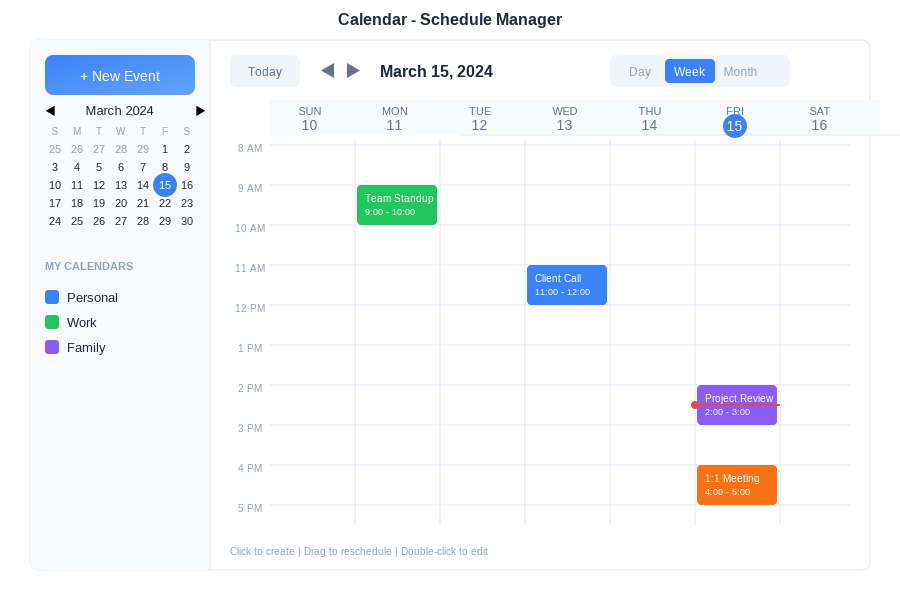
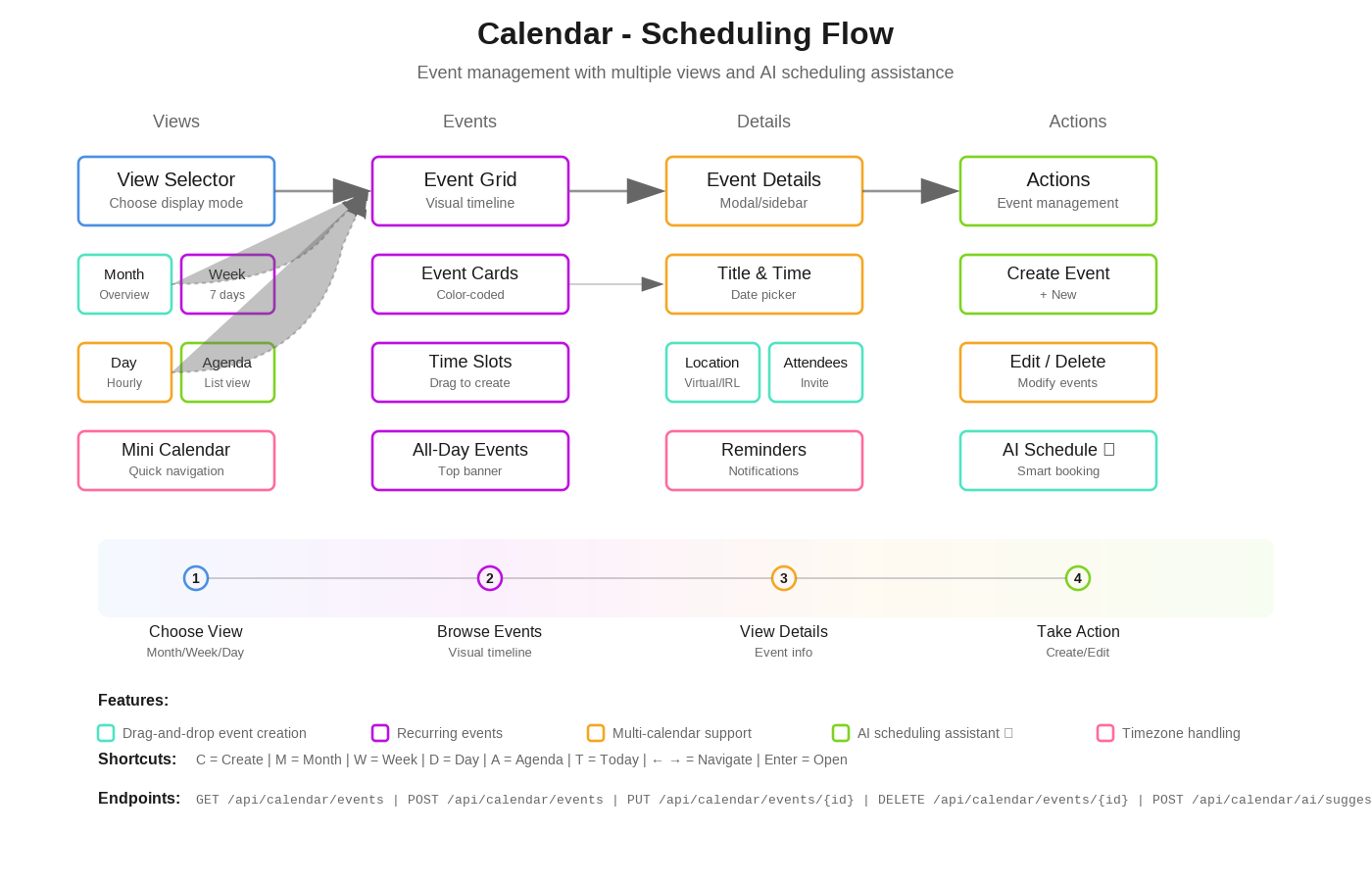
Calendar is the scheduling surface: events, calendars, an upcoming list and iCal import/export.

Open it
| Task | Where | Label you will see |
|---|---|---|
| Open the app | Desktop launcher | Calendar |
| Switch views | View selector | Day, Week, Month, Year |
| Move through time | Toolbar | Today, Previous month, Next month |
- Click Start, then Calendar.
- Pick a view and choose a date to place an event.
Do this
| Task | Control | Label you will see |
|---|---|---|
| Add an event | Header action | New Event, Event title, Location, Description, Attendees |
| Mark a full-day item | Event form | All day |
| Repeat or remind | Event form | Repeat, Reminder |
| Browse calendars | Sidebar | My Calendars, Personal, Add calendar |
| Read the agenda | Sidebar | Upcoming, Nothing scheduled, Schedule an event |
| Bring in an iCal file | Import / Export | Import iCal File, Select .ics file, Import to calendar, Default Calendar, Import, Cancel |
Limits
- The empty states read No calendars yet and No events scheduled; they are not sync errors.
- If the service cannot load, the app shows Calendar unavailable.
- Attendees are entered as text in the event form; the page documents no invitation delivery guarantee.