Drive 🟢 GA - File Management
What it is
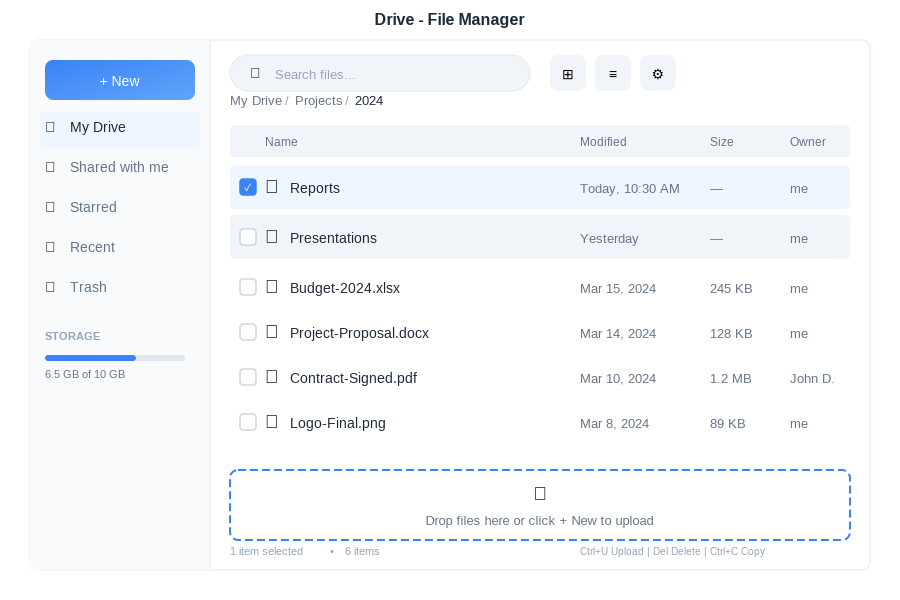
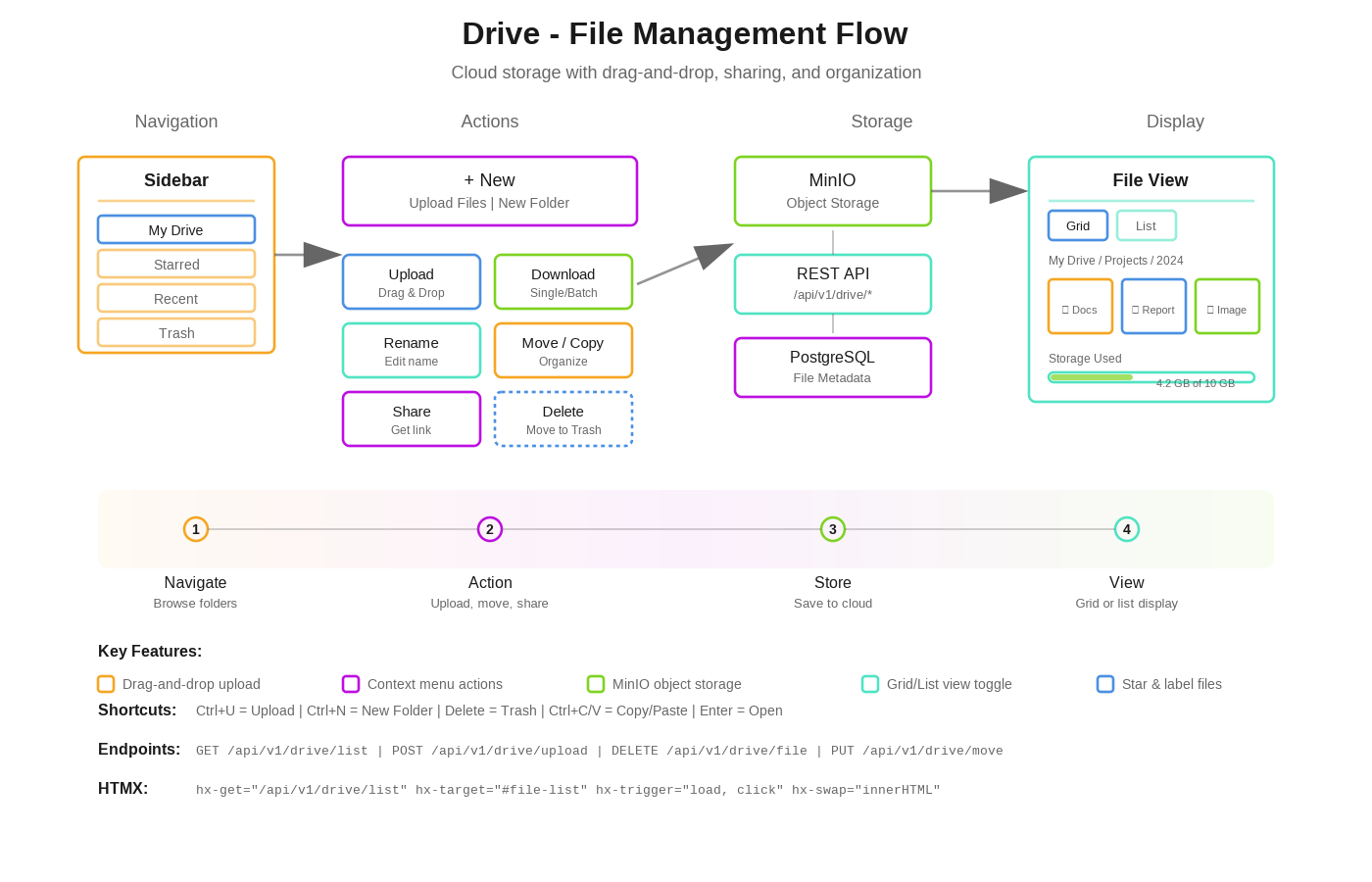
Drive is the file explorer: Bots, My Files, Shared and Public, with upload, folders and a shared-items intake page.

Open it
| Task | Where | Label you will see |
|---|---|---|
| Open the app | Desktop launcher | Drive |
| Switch areas | Sidebar | Bots, My Files, Shared, Public, Recent, Starred, Trash |
- Click Start, then Drive.
- Pick an area in the sidebar.
Do this
| Task | Control | Label you will see |
|---|---|---|
| Add files | Header action | Upload, Upload folder, Take photo |
| Add a folder | Header action | New Folder |
| Drop files in | File list | Drop files or folders here to upload |
| Save shared items | Intake page | Save shared files to Drive, Shared items, Save to Drive, Open Drive |
| Browse without a folder | Sidebar | My Drive, Home, Recent, Starred |
Limits
- The intake page saves shared items to Drive; it does not publish them back to the sender.
- The sidebar areas above are the ones shipped; there is no separate label manager on this surface.
- An unavailable service shows Service unavailable; an empty folder shows a loading state, not a file list.