Memory 🟡 PREVIEW
What it is
Memory shows the personal profile the assistant has learned, with add, import and export controls.

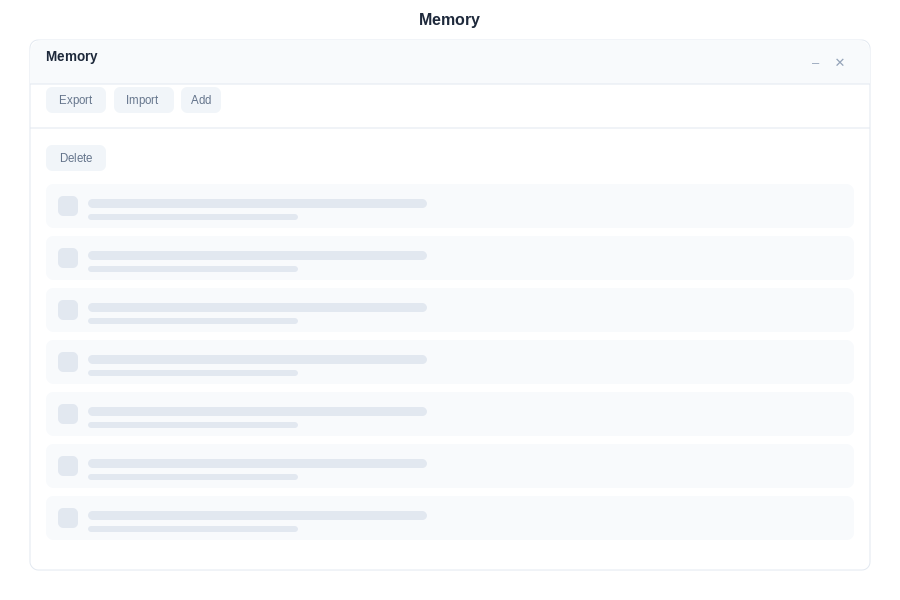
Open it
| Task | Where | Label you will see |
|---|---|---|
| Open the app | Desktop launcher, after Preview mode is on | Memory |
| Edit the profile | Header action | Edit in Settings |
- Turn on Preview mode in the sidebar.
- Click Start, then Memory.
Do this
| Task | Control | Label you will see |
|---|---|---|
| Add an entry | Add action | Add Memory, Kind, Content |
| Classify the entry | Kind choices | Fact, Preference, Goal, Event |
| Save or discard | Dialog actions | Save, Cancel |
| Move data in | Header action | Import, Import Memories, Dry run — validate and preview counts without writing, Run Import |
| Move data out | Header action | Export |
| Read the privacy line | Header | Privacy: |
A dry run validates and previews counts without writing; choose Run Import to write them.
Limits
- The app does not train or retrain a model; it edits the stored profile.
- The privacy label is shown on the surface; no external destination is named here.