Player 🟡 PREVIEW - Media Viewer

What it is
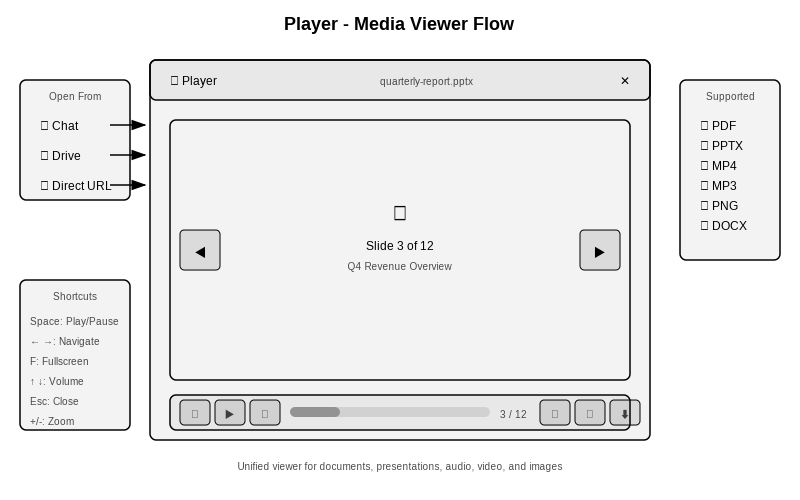
Player is the media player for the suite (registry description for player).
Open it
The registry lists player as always visible. Click Start, type Player and select its tile; see Find an app.
Do this
| Task | Label you will see |
|---|---|
| Find a file | Search files... |
| Browse the file list | Files, Recent |
| Narrow by type | Filter videos, Filter audio, Filter documents, Filter images |
| Play a file | Play, Previous, Next |
| Control sound and view | Volume, Fullscreen |
| Build a queue | Add to playlist, Toggle playlist panel |
| Take a file action | Download, Share |
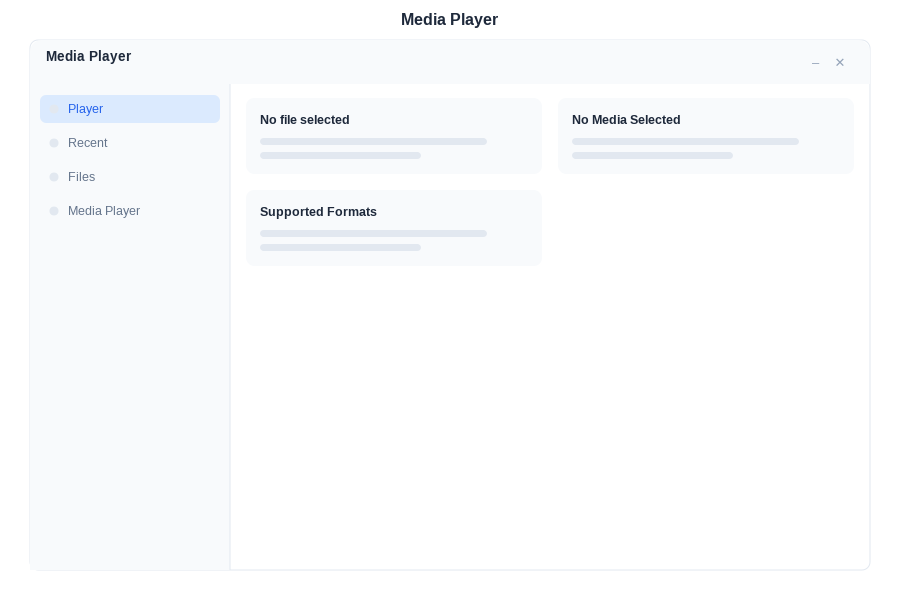
- Open Media Player and choose Files or Recent.
- Use Search files... or a type filter to find the file.
- Choose Play, then use Previous / Next, Volume or Fullscreen; Add to playlist queues another file.
Limits
- Service unavailable is the app's own message when the backing service is not reachable.
- Loading is reported as Loading...; no editing controls are present in the player markup.
Related
- Drive — file source used by the player
- Storage API — file endpoints
- Drive (configuration)