JukeBox 🟡 PREVIEW
What it is
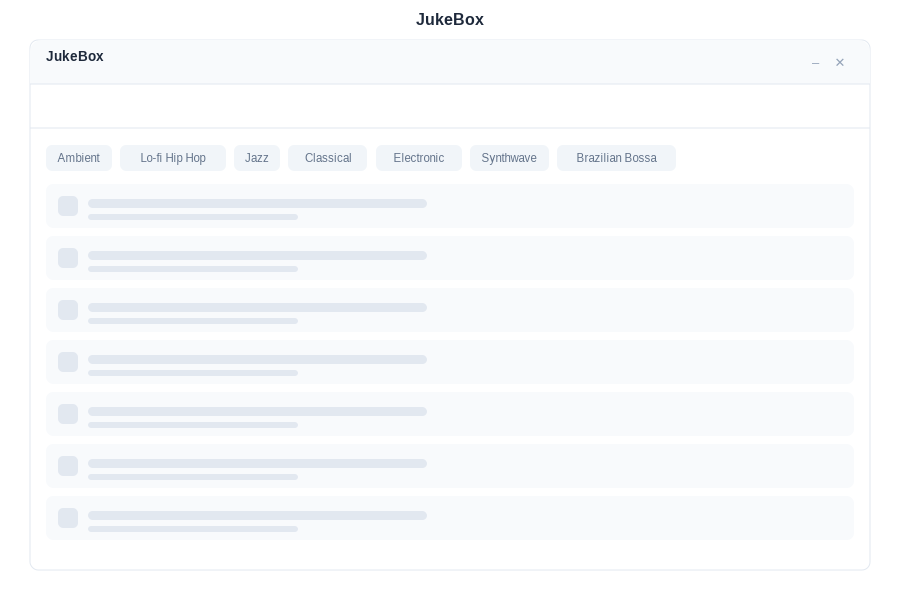
JukeBox is a genre-station player with an instrumental radio and a playlist queue.

Open it
| Task | Where | Label you will see |
|---|---|---|
| Open the app | Desktop launcher, after Preview mode is on | JukeBox |
| Choose a station | Genre list | SELECT A GENRE |
- Turn on Preview mode in the sidebar.
- Click Start, then JukeBox.
- Pick a genre and press play to start the station.
Do this
| Task | Control | Label you will see |
|---|---|---|
| Pick a station | Genre buttons | Ambient, Lo-fi Hip Hop, Jazz, Classical, Electronic, Synthwave, Brazilian Bossa, Cinematic, Acoustic, Chill House |
| Switch to instrumental | Mode toggle | INST |
| Read the empty queue | Playlist tape | Queue is empty — pick a station to start |
| Read the station state | Status label | CHECK, AMBIENT, GENRE STATION, PRESS PLAY TO START THE STATION |
Limits
- The queue starts empty; the page documents no downloaded tracks or offline storage.
- The genre list is the one rendered in the app; there is no free-text station field on this surface.