Browser 🟡 PREVIEW - Web Browser
What it is
Browser is an embedded web browser with tabs that can be shared across conversations and a VM-backed driver mode.

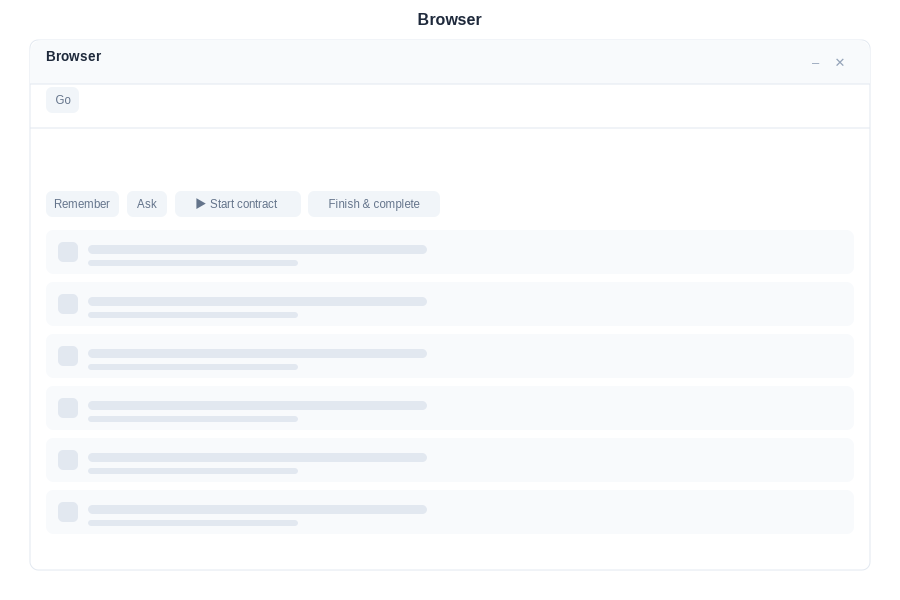
Open it
| Task | Where | Label you will see |
|---|---|---|
| Open the app | Desktop launcher | Browser |
| Move around a page | Toolbar | Back, Forward, Refresh, Home |
| Open another page | Tab strip | New Tab, Go, Search |
- Click Start, then Browser.
- Type an address in the URL bar and choose Go.
Do this
| Task | Control | Label you will see |
|---|---|---|
| Capture a page | Toolbar action | Screenshot |
| Inspect VM-backed tabs | Tab strip | VM tabs, Shared across conversations, Driver |
| Read the tab state | Status | Ready, Loading… |
| Open the memory view | Tab | Memory |
Limits
- Tabs marked VM tabs live in the VM; they are not ordinary browser tabs in the desktop process.
- The page names no search provider for the Search control.
- A failed load shows Service unavailable; it is not an offline browsing mode.