Automations 🟡 PREVIEW
Preview application. Usable today, not yet part of the supported surface. See stability.
What it is
Automations is the suite's scheduler: it stores a goal and a cron expression, then lists the runs that result.

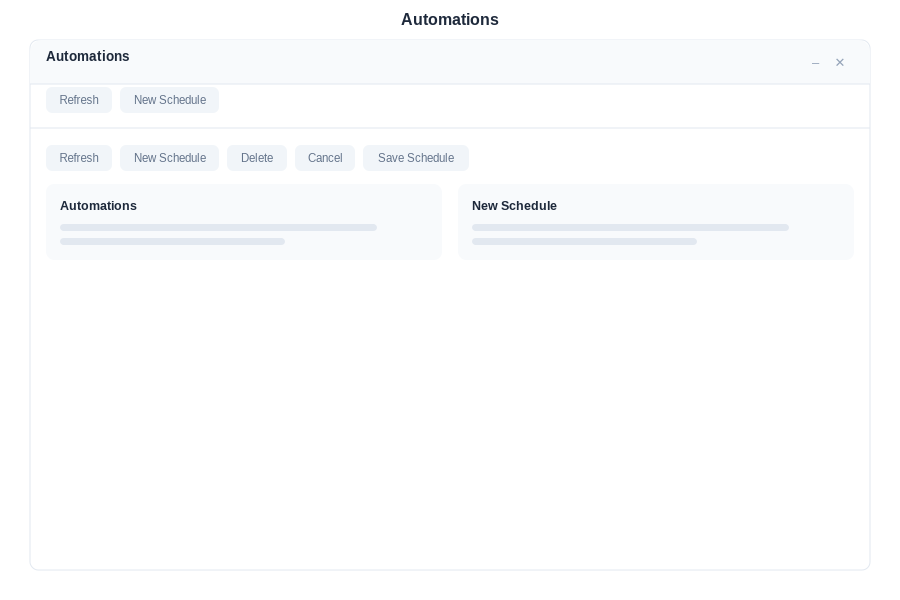
Open it
| Task | Where | Label you will see |
|---|---|---|
| Open the app | Desktop launcher, after Preview mode is on | Automations |
| Create a schedule | Header action | New Schedule |
| Refresh runs | Header action | Refresh |
- Turn on Preview mode in the sidebar.
- Click Start, then Automations.
Do this
| Task | Control | Label you will see |
|---|---|---|
| Add a schedule | New Schedule form | Title, Goal, Cron expression (5 fields: min hour day month weekday) |
| Set the schedule window | Same form | Timezone, Max runtime (seconds) |
| Choose where results go | Delivery group | Email, SMS |
| Save or discard | Modal actions | Save Schedule, Cancel |
| Remove a schedule | Modal action | Delete |
| Read conversation-created jobs | Section below the board | Conversation jobs, Cron/systemd jobs created from conversations |
A typical entry is a recurring job — an inventory digest or a periodic check — expressed once and left to run.
Limits
- The form takes a five-field cron expression; the app does not offer a visual cron builder.
- Delivery is limited to the checkboxes shown in the form: Email and SMS.
- Schedules are per bot; the app has no cross-bot schedule view.