Tickets 🟡 PREVIEW - AI-Assisted Support Cases
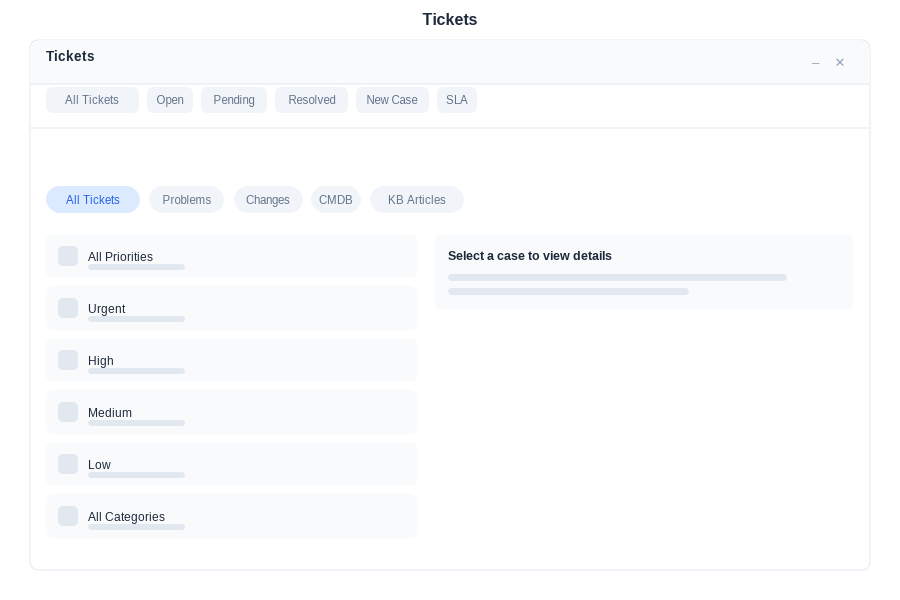

What it is
Tickets is support tickets with AI triage and resolution (registry description for tickets).
Open it
The registry lists tickets as preview-only. Turn on Preview mode, click Start, type Tickets and select its tile; see Find an app.
Do this
| Task | Label you will see |
|---|---|
| Browse cases | All Tickets, Open, Pending, Resolved, Search cases... |
| Open a case | Select a case to view details, Open Cases, Urgent, Resolved Today, AI Resolved |
| File a case | New Case / New Support Case, Subject, Account, Contact, Priority, Category, Description, Create Case |
| Get AI help | AI Assistant, will analyze your issue and suggest solutions |
| Filter | All Priorities, All Categories |
| Check SLA | SLA, SLA Management, Time to SLA |
- Open Tickets and choose New Case.
- Fill Subject, Account, Contact, Priority, Category and Description, then choose Create Case.
- Use SLA Management to see the breach forecast; No tickets at risk in the next 24h. is the clear state.
Limits
- Preview-only: the registry assigns
ticketstoLauncherVisibility::Preview. - Service unavailable is the app's message when the backing service cannot be reached; loading reads Loading.