Attendant 🟡 PREVIEW - Human Agent Console
What it is
Attendant is the human-agent console: a queue of conversations an agent can take over and transfer.

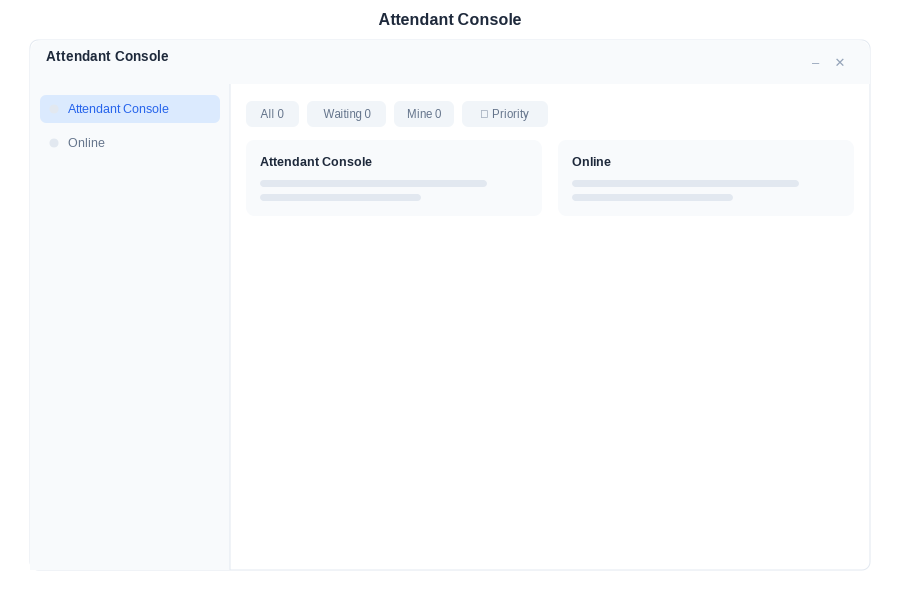
Open it
| Task | Where | Label you will see |
|---|---|---|
| Open the app | Desktop launcher, after Preview mode is on | Attendant Console |
| Filter the queue | Tab strip | All, Waiting, Mine, 🔥 Priority |
- Turn on Preview mode in the sidebar.
- Click Start, then Attendant.
- Open a queued conversation and choose Mine to track your own items.
Do this
| Task | Control | Label you will see |
|---|---|---|
| Accept a conversation | Queue item | All, Waiting, Mine |
| Move it to another agent | Action | Transfer Conversation, Transfer, Cancel |
| Check CRM availability | Console banner | CRM Features Not Enabled when the CRM feature is off |
| Read an empty state | Status region | Loading…, Service unavailable |
Limits
- Transfer is the action the console exposes; it does not close the underlying bot session.
- When the CRM feature is off the console shows CRM Features Not Enabled instead of a CRM panel.
- If the service is unavailable the state line reads Service unavailable; no queue is shown.