Learn 🟡 PREVIEW - E-Learning
What it is
Learn is a learning platform: courses, certifications, a creator workspace and progress tracking.

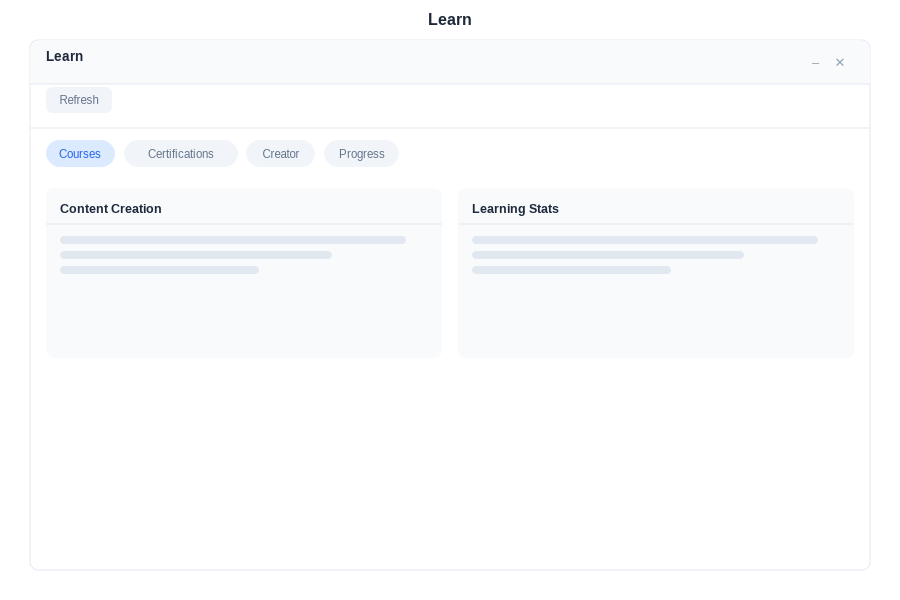
Open it
| Task | Where | Label you will see |
|---|---|---|
| Open the app | Desktop launcher, after Preview mode is on | Learning Platform |
| Switch areas | Tab strip | Courses, Certifications, Creator, Progress |
- Turn on Preview mode in the sidebar.
- Click Start, then Learn.
Do this
| Task | Control | Label you will see |
|---|---|---|
| Read the summary | Header cards | Hours Learned, Courses Done, Streak, Badges |
| Browse courses | Courses tab | Fetching courses, Course Preview, Enroll, Close |
| Read certifications | Certifications tab | Fetching certifications |
| Build content | Creator tab | Content Creation, Content Editor, Title, Description, Type, Save Draft, Publish |
| Choose a lesson kind | Content form | Lesson, Quiz, Video, Document, Interactive, AI Assist |
| Read progress | Progress tab | Learning Stats, Achievement Badges, No badges earned yet |
Limits
- The empty state reads No badges earned yet; the page documents no badge-awarding rule.
- AI Assist is an editor control; no particular model is named for it.