Docs 🟡 PREVIEW — IN TEST
In test. Docs is a preview application and is not part of the supported surface. Behaviour and interface may still change.
What it is
Docs is the suite's collaborative document editor: rich text, comments, tracked changes and a read-only shared-link view.

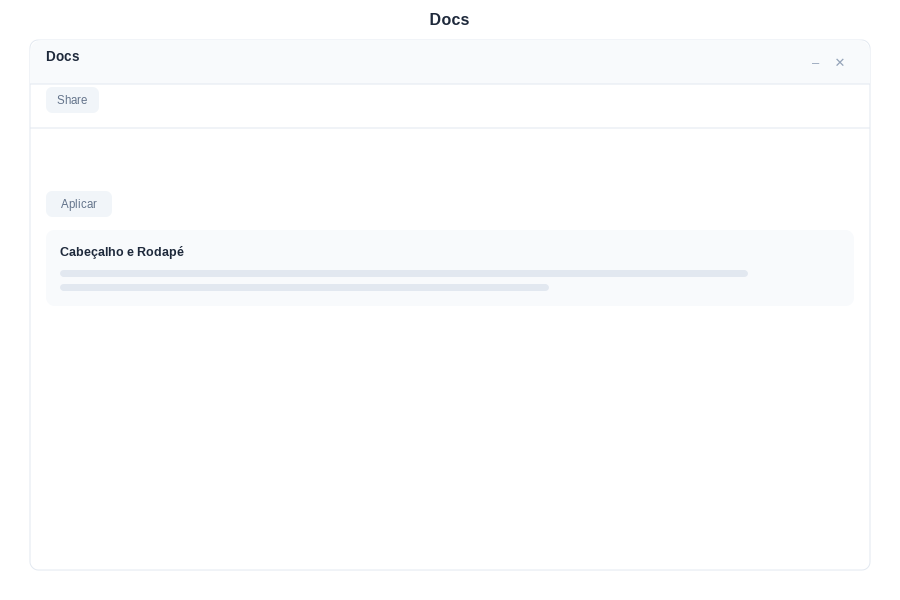
Open it
| Task | Where | Label you will see |
|---|---|---|
| Open the app | Desktop launcher, after Preview mode is on | Docs |
| Open a shared link | Shared viewer | Shared document, Read-only |
- Turn on Preview mode in the sidebar.
- Click Start, then Docs.
Do this
| Task | Control | Label you will see |
|---|---|---|
| Choose a paragraph style | Toolbar | Normal, Heading 1, Heading 2, Heading 3, Quote, Code |
| Add references | Toolbar | ¹ Footnotes, ⁿ Endnotes |
| Review edits | Review workspace | Track Changes, Compare Documents, Version history |
| Share a document | Share control | People grants, public links and ownership transfer |
| Read a public link | Shared viewer | This document was shared as a read-only link. |
| Confirm a save | Status line | All changes saved |
A public link is read-only by design: the shared viewer has no toolbar and no editor.
Limits
- A viewer link returns document metadata with an empty content field; the editable source is not released to it.
- Server-enforced co-editing and DOCX round-trip of tracked changes are not implemented on this surface.
- The editor reports when no LLM is configured instead of returning a generated rewrite.