Plan 🟡 PREVIEW
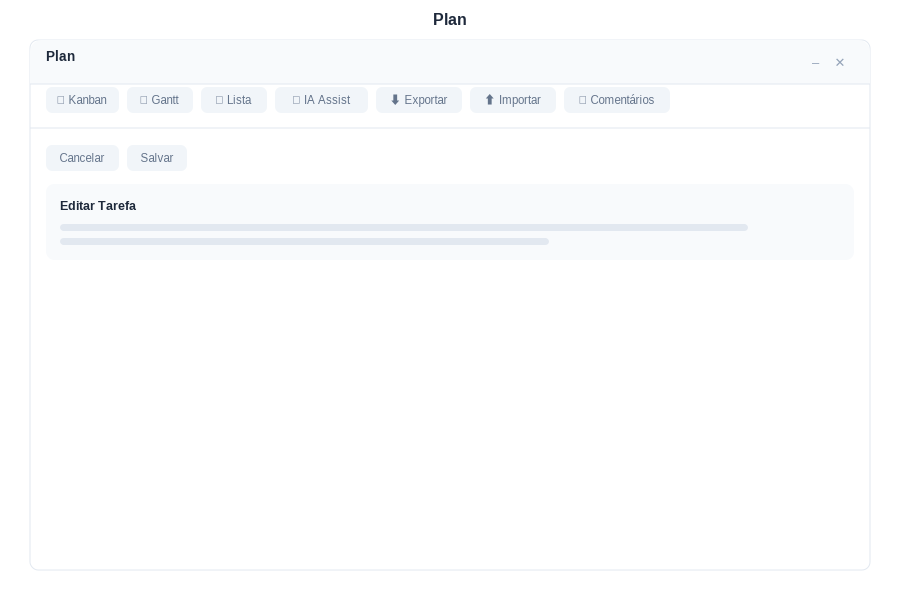

What it is
Plan supports strategic planning with OKRs and roadmap boards (registry description for plan).
Open it
The registry lists plan as preview-only. Turn on Preview mode, click Start, type Plan and select its tile; see Find an app.
Do this
| Task | Label you will see |
|---|---|
| Save the board | Save, All saved |
| Discuss a task | Comments |
| Remove a task | Delete task? (confirmation) |
| Load a plan file | Plan imported with {count} task(s). / Invalid plan file. |
- Open Plan and edit the tasks on the board.
- Choose Save; the status reads All saved when the write completed.
- To load a plan file, import it; the app reports Plan imported with {count} task(s). or Invalid plan file.
Limits
- Preview-only: the registry assigns
plantoLauncherVisibility::Preview, so tile is hidden until Preview mode is on. - Deleting a task asks for the Delete task? confirmation; the markup exposes no silent delete.
Related
- Goals — objectives and key results
- Project — phases and deliverables
- Tasks — task execution
- Suite apps