KYC 🟡 PREVIEW - Identity Verification
What it is
KYC is the identity-verification console: verifications, signatures and certificates in one preview workspace.

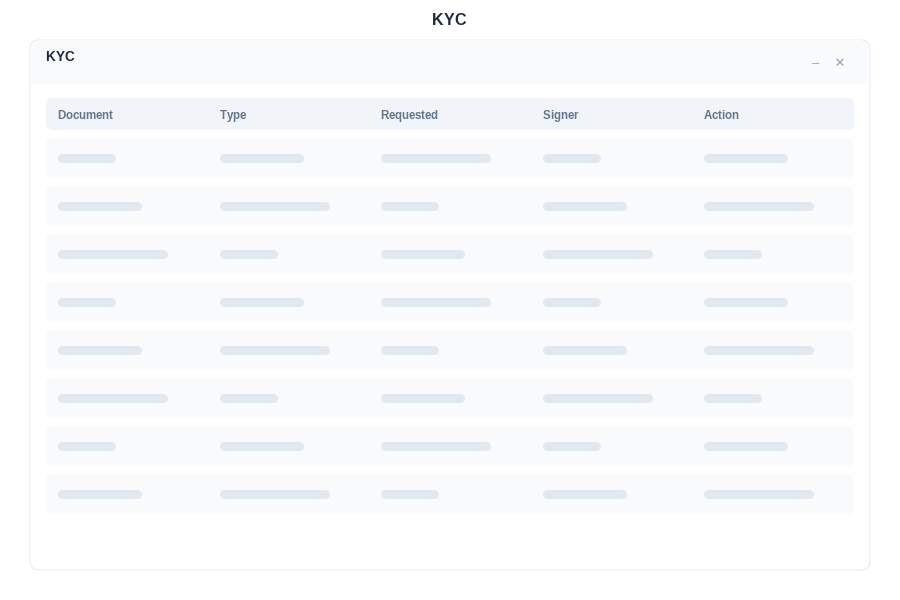
Open it
| Task | Where | Label you will see |
|---|---|---|
| Open the app | Desktop launcher, after Preview mode is on | KYC Dashboard |
| Switch areas | Tab strip | Verifications, Signatures, Certificates |
- Turn on Preview mode in the sidebar.
- Click Start, then KYC.
Do this
| Task | Control | Label you will see |
|---|---|---|
| Read the summary | Header cards | Pending, Verified, Failed |
| Inspect verifications | Verifications tab | Fetching verification data, Document, Type, Requested, Refresh |
| Sign a document | Signatures tab | Documents Awaiting Signature, Signature Pad, Signer, Clear, Submit Signature |
| Inspect certificates | Certificates tab | Fetching certificate data, Certificate ID, Validity Period (days) |
| Renew a certificate | Certificate action | Renew Certificate, Renew, Cancel |
Limits
- The status labels above are the shipped ones; the page names no external identity provider.
- Submit Signature records a signature through the pad; the page does not promise a particular certificate authority.