HR 🟡 PREVIEW - Human Resources
What it is
HR is a workforce console: an employee directory plus recruitment, attendance, performance, payroll and benefits areas.

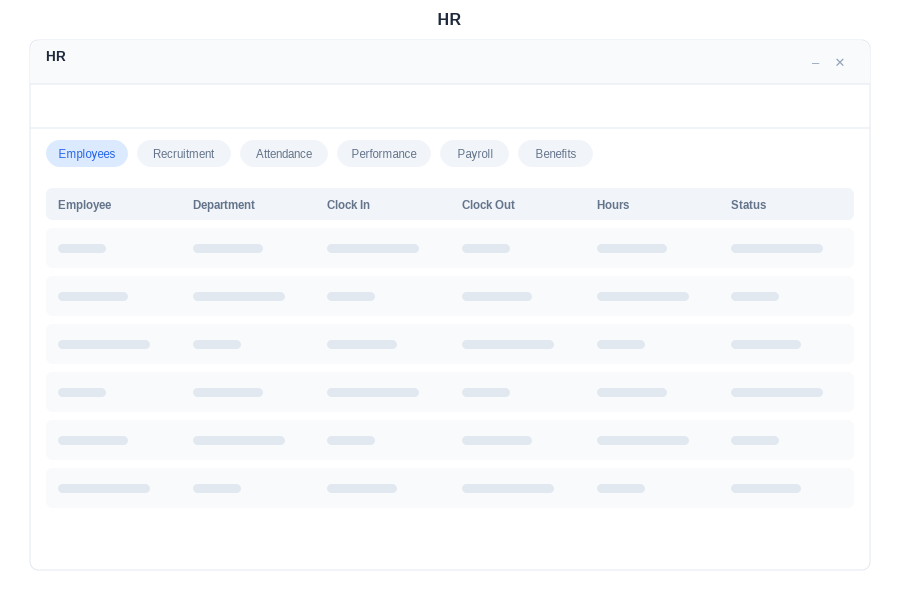
Open it
| Task | Where | Label you will see |
|---|---|---|
| Open the app | Desktop launcher, after Preview mode is on | HR Management |
| Switch areas | Tab strip | Employees, Recruitment, Attendance, Performance, Payroll, Benefits, Training, Reports |
- Turn on Preview mode in the sidebar.
- Click Start, then HR.
Do this
| Task | Control | Label you will see |
|---|---|---|
| Read the summary | Header cards | Headcount, On leave today, Open requisitions, Pending reviews, Turnover (90d) |
| Find a person | Employee Directory | Employee Directory, All Departments, All Status, All locations, Active, On Leave, Terminated |
| Add an employee | Directory action | Add Employee, First Name, Last Name, Email, Role, Department, Hire Date, Location, Manager, Save, Cancel |
| Classify employment | Employee form | Employment type, Full time, Part time, Contractor, Intern |
| Work the pipeline | Recruitment tab | Job Postings, Post Job, Pipeline Overview |
| Read the day | Attendance tab | Today's Attendance, Clock In, Clock Out, Hours, Department Summary |
| Run a cycle or payroll | Performance / Payroll | Review Cycles, Start new cycle, Goal Completion, Payroll runs, Run payroll |
| Take data out | Header action | Export |
Limits
- The department, status and location filters are the ones shown; the page documents no custom filter builder.
- Attendance rows are records to read here, not a replacement for the Time Clock app.