Meet 🟡 PREVIEW - Video Calls
What it is
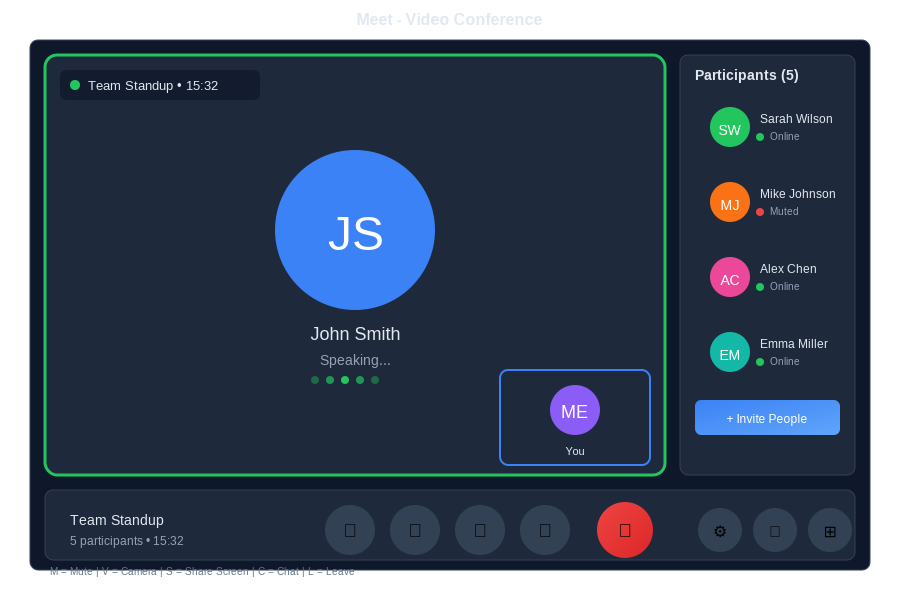
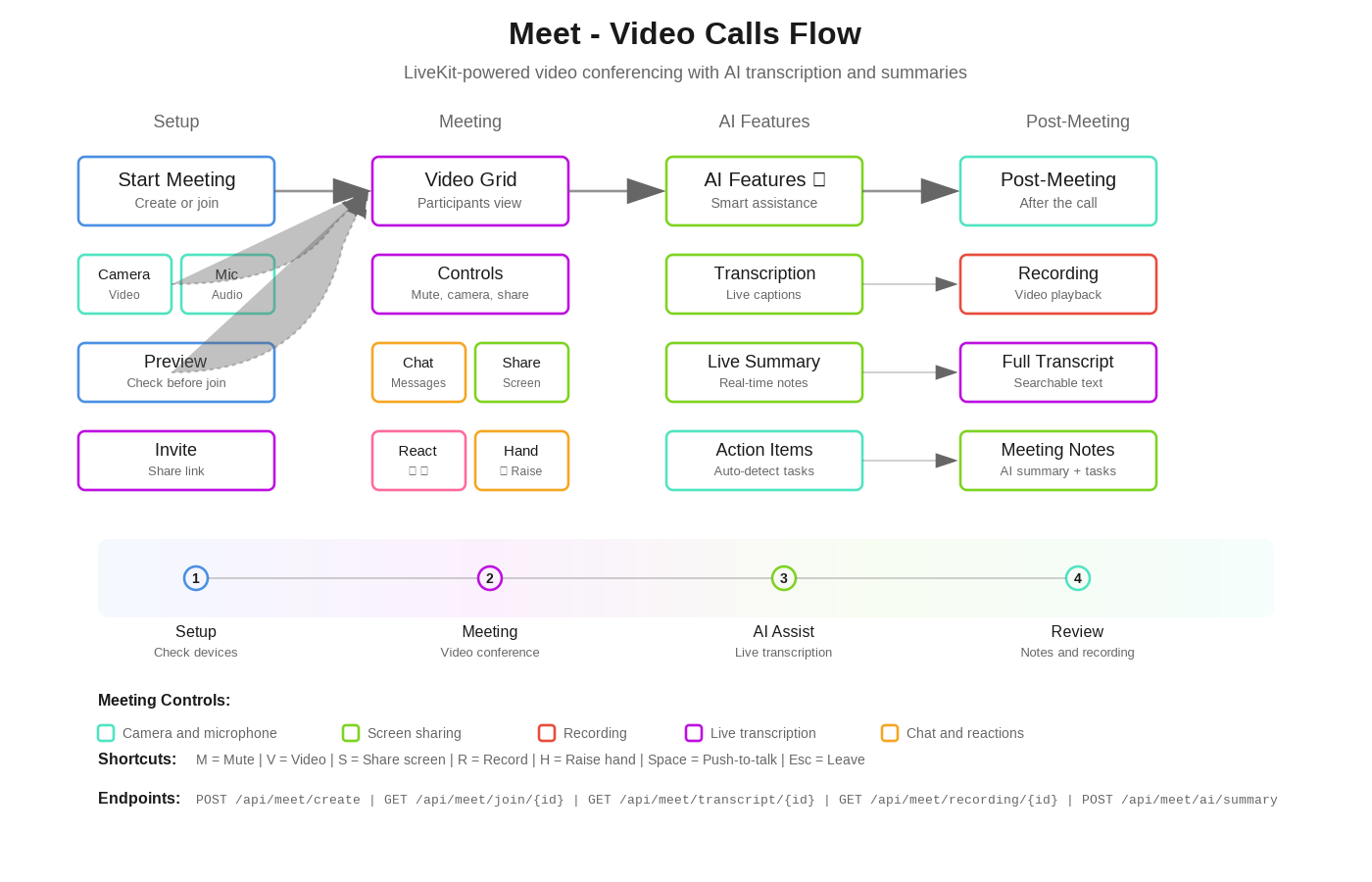
Meet is the meeting surface: rooms, invitations, in-call controls, recordings and a voice-session panel.

Open it
| Task | Where | Label you will see |
|---|---|---|
| Open the app | Desktop launcher, after Preview mode is on | Meet |
| Start or join | Header action | Start Meeting, Join Meeting, New Meeting, Active Rooms |
- Turn on Preview mode in the sidebar.
- Click Start, then Meet.
- Choose Start Meeting or Join Meeting.
Do this
| Task | Control | Label you will see |
|---|---|---|
| Invite people | Room panel | Invite, Copy link, Meeting Link, Send Invite |
| Control devices | Call toolbar | Mute, Camera On, Camera Off, Share Screen, End Call |
| Manage the room | Call toolbar | Waiting Room, Admit, Remove, Meeting Chat, Raise Hand, Lower Hand |
| Record | Call toolbar | Recording, Start Recording, Stop Recording, Recordings, No recordings yet |
| Configure | Room panel | Meeting settings, Meeting Title, Meeting Code |
| Run a voice session | Voice panel | 🎙️ Voice Session, ▶ Start session, ■ Stop session, Idle |
| Provision telephony | Voice panel | 📞 Provision Telephony Trunk, Provision, Carrier |
Limits
- Meetings need the meeting server (LiveKit). A fixed image without it hides the app instead of opening a pane that cannot load.
- The voice-session panel is separate from a video meeting; it does not replace it.