Biometry 🟡 PREVIEW
What it is
Biometry is a preview view over KYC identity checks, liveness sessions, signatures and certificates.

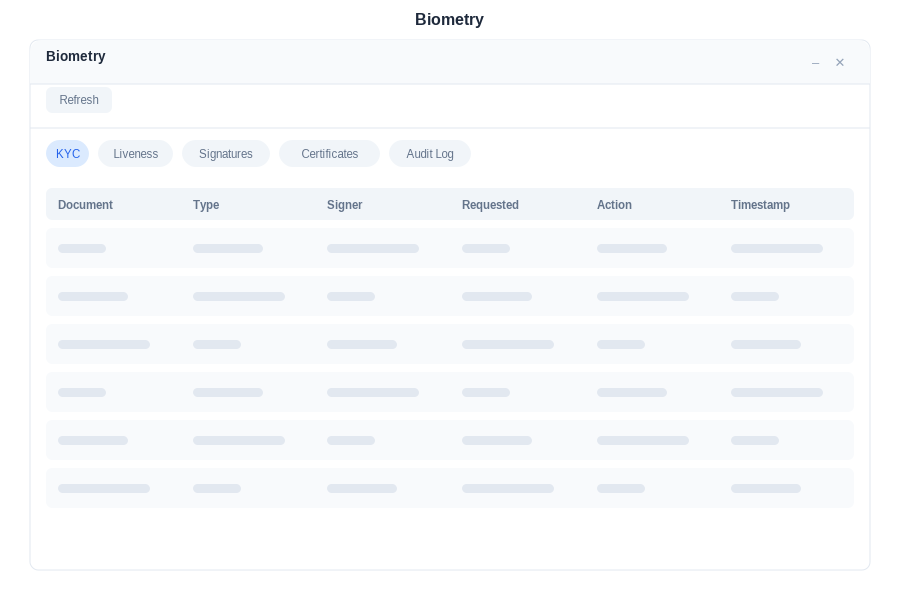
Open it
| Task | Where | Label you will see |
|---|---|---|
| Open the app | Desktop launcher, after Preview mode is on | Biometry |
| Switch areas | Tab strip | KYC, Liveness, Signatures, Certificates, Audit Log |
- Turn on Preview mode in the sidebar.
- Click Start, then Biometry.
Do this
| Task | Control | Label you will see |
|---|---|---|
| Read pending identity checks | KYC area | Pending KYC, Verified, Liveness Checks |
| Run a liveness check | Liveness area | Start Session, Capture Frame, End, Active Liveness Session |
| Sign a document | Signatures area | Signature Pad, Clear, Submit Signature |
| Read the trail | Audit Log | Timestamp, User, Action, Result |
| Refresh a list | Header action | Refresh |
Limits
- This is a preview surface: it reads and records through the same endpoints as KYC; it does not define a separate identity provider.
- An idle liveness area reads Idle / No sessions; there is no captured session until Start Session is used.
- The page does not grant or revoke KYC approvals; it presents the records and the signature pad.