Anti-Fraud 🟡 PREVIEW - Anti-Fraud Engine
What it is
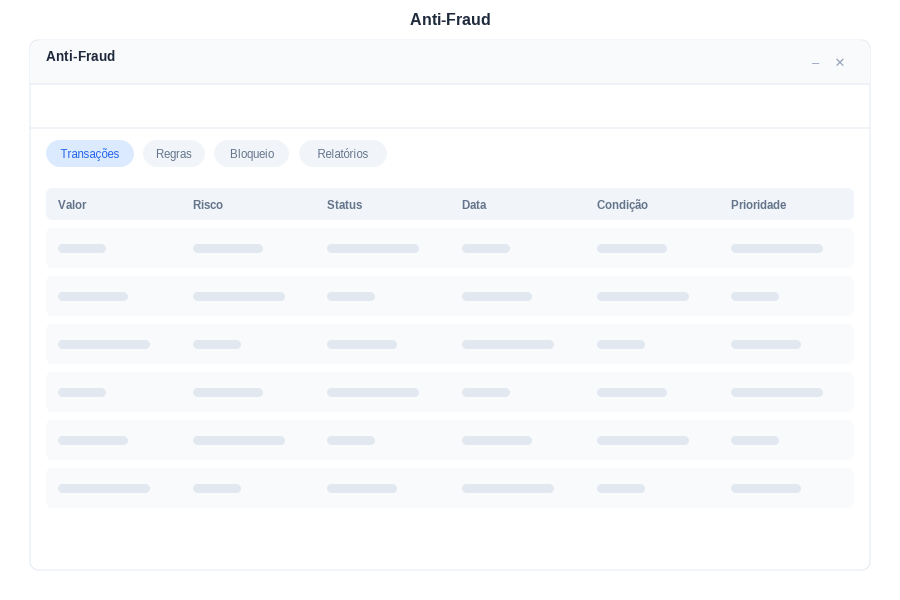
Anti-Fraud is a preview console for scored transactions, detection rules, a blocklist and generated reports.

Open it
| Task | Where | Label you will see |
|---|---|---|
| Open the app | Desktop launcher, after Preview mode is on | Anti-Fraud Engine |
| Switch areas | Tab strip | Transactions, Rules, Block, Reports / Events, Rules, Blocklist |
- Turn on Preview mode in the sidebar.
- Click Start, then Anti-Fraud.
Do this
| Task | Control | Label you will see |
|---|---|---|
| Read the summary | Header cards | Blocked Today, Review Queue, False Positive Rate, Transactions Analyzed |
| Filter events | Transactions tab | All statuses, Approved, Blocked, Review |
| Add a detection rule | + New Rule | New Rule, Rule Name, Condition, Action, Priority, Flag, Block, Low, Medium, High |
| Add to the blocklist | Blocklist tab | Add to Blocklist, Type, Email, Phone, Value, Reason, Add |
| Produce a report | Reports tab | Generate Report |
Limits
- Flag and Block are the two rule actions shown; no other automatic response is documented here.
- The report is generated from the console; the page names no delivery destination.