Designer 🟡 PREVIEW - Visual Builder
What it is
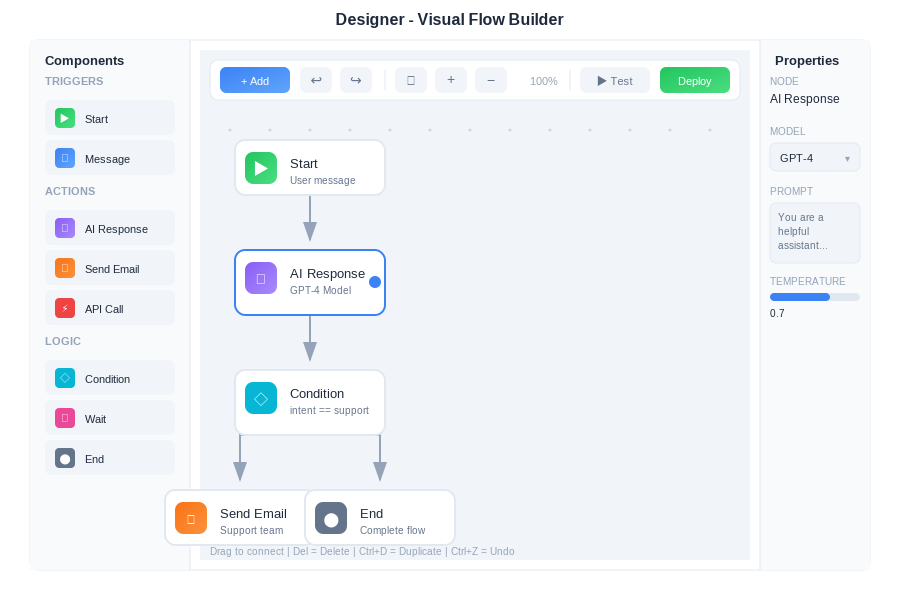
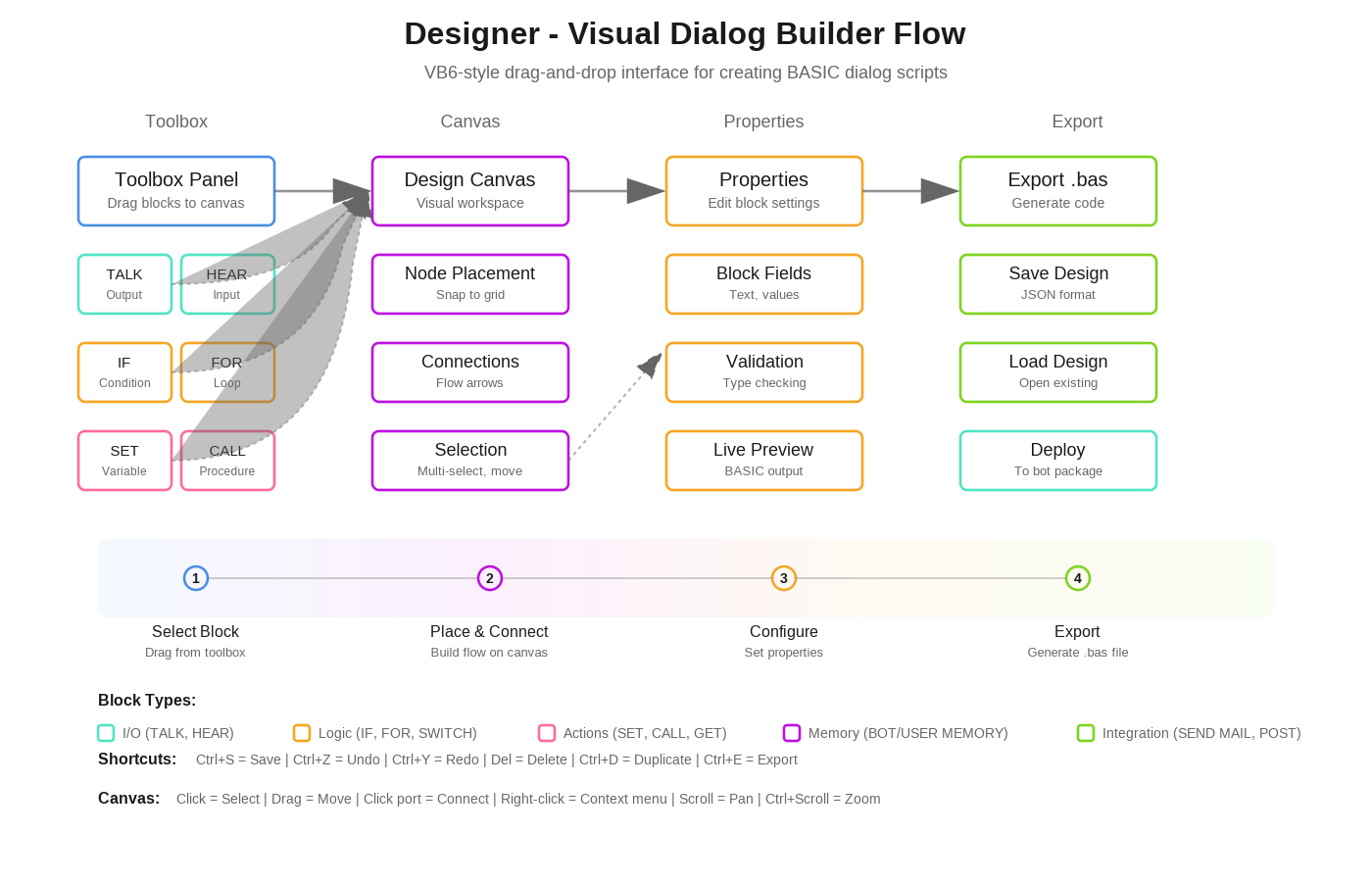
Designer is a low-code builder: a component library, a canvas and properties for each node, with deploy and export actions.

Open it
| Task | Where | Label you will see |
|---|---|---|
| Open the app | Desktop launcher, after Preview mode is on | Designer |
| Find a component | Library filter | All categories, Triggers, Actions, Integrations, Flow control, AI / LLM |
- Turn on Preview mode in the sidebar.
- Click Start, then Designer.
Do this
| Task | Control | Label you will see |
|---|---|---|
| Browse components | Library | Component Library, Components |
| Place a node | Canvas | Trigger, Integration, Branch, Parallel, Knowledge Base, Merge |
| Edit a node | Properties panel | Properties, Select a node to edit properties. |
| Publish the result | Header action | Deploy |
| Take the source out | Header action | Export |
| Read readiness | Status | Ready |
Limits
- The categories and node types above are the ones in the shipped library; the page does not promise a custom component SDK.
- Deploy and Export are separate actions; the page names no target environment.