Vision 🟡 PREVIEW - Image Recognition
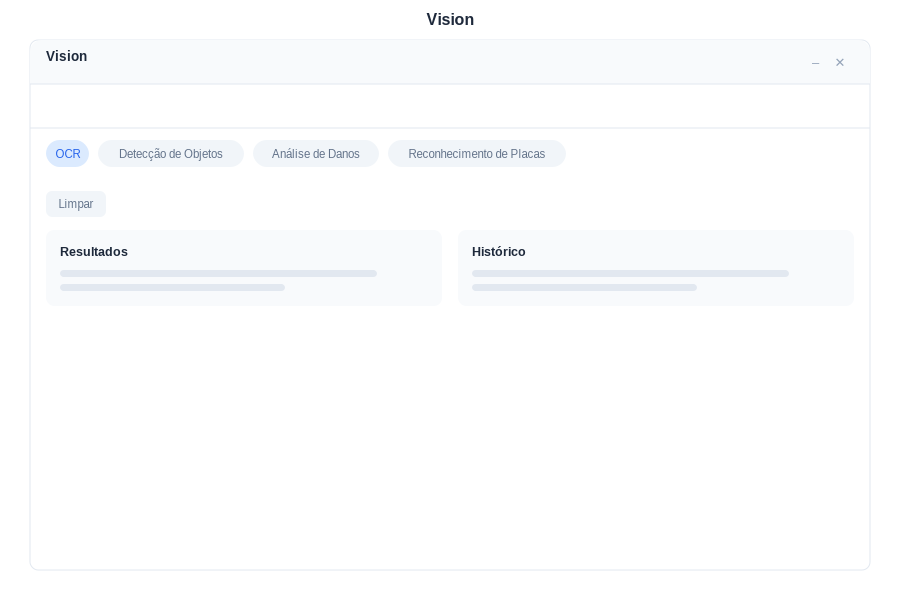

What it is
Vision is computer vision: image analysis, QR codes and video description (registry description for vision).
Open it
The registry lists vision as preview-only. Turn on Preview mode, click Start, type Vision and select its tile; see Find an app.
Do this
| Task | Label you will see |
|---|---|
| Open the surface | Image Recognition |
| Supply an image | Drag an image or click to select / Upload an image to analyze |
| Analyze it | Send an image to analyze |
| Read the output | Results, No results found |
| Reset | Clear |
- Open Image Recognition.
- Drop an image on Drag an image or click to select, or choose Upload an image to analyze.
- Choose Send an image to analyze, read Results, and use Clear before the next image.
Limits
- The shipped UI also names License Plate Recognition; it is a labelled capability in the page, not a separate launcher app.
- No results found is the empty result state; Vision service unavailable is the app's message when the service cannot be reached.
- Preview-only: the registry assigns
visiontoLauncherVisibility::Preview.