Banking 🟡 PREVIEW - Financial Reconciliation
What it is
Banking is a preview workspace for accounts, transactions, reconciliation and PIX transfers.

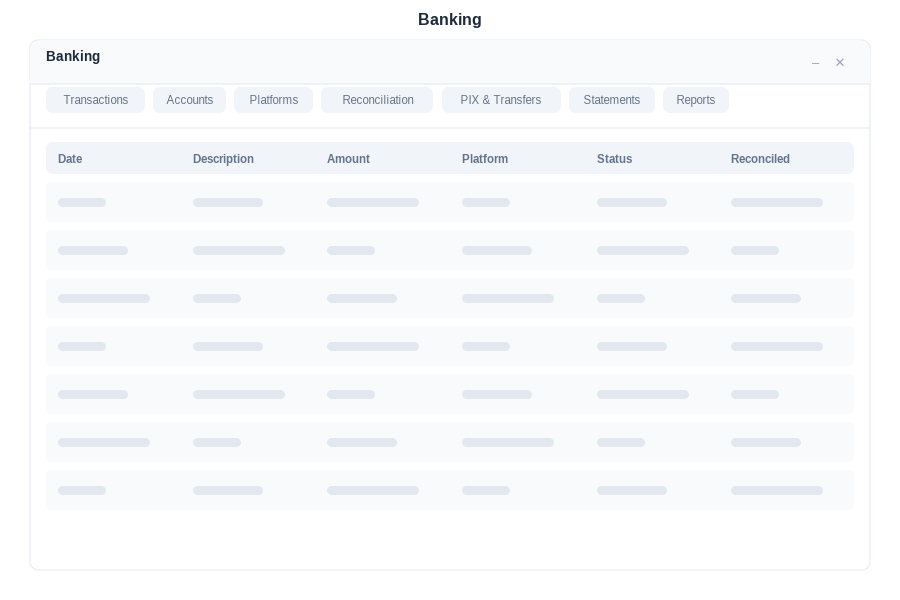
Open it
| Task | Where | Label you will see |
|---|---|---|
| Open the app | Desktop launcher, after Preview mode is on | Banking Reconciliation |
| Switch areas | Tab strip | Transactions, Accounts, Platforms, Reconciliation, PIX & Transfers, Statements, Reports, Settings |
- Turn on Preview mode in the sidebar.
- Click Start, then Banking.
Do this
| Task | Control | Label you will see |
|---|---|---|
| Add an account | + Add account | Bank, Agency, Account number, Checking, Savings, Save account |
| Refresh bank data | Transactions area | Sync all |
| Match transactions | Reconciliation area | Auto-Match, Manual Match |
| Start a transfer | + New PIX | New PIX transfer, Recipient key, Random key, Description, Schedule, Send PIX |
| Receive a payment | PIX area | Receive via QR |
| Read statements | Statements area | + New statement, Export history |
| Read reports | Reports area | Cash flow, P&L summary, Tax obligations |
Limits
- The transfer dialog sends a PIX; it is not a general wire-transfer form.
- The reconciliation actions are the two shown above; the page names no automatic matching rule.
- An unavailable service shows Service unavailable rather than a filled list.