Virtual Desktop (VDI) 🟡 PREVIEW
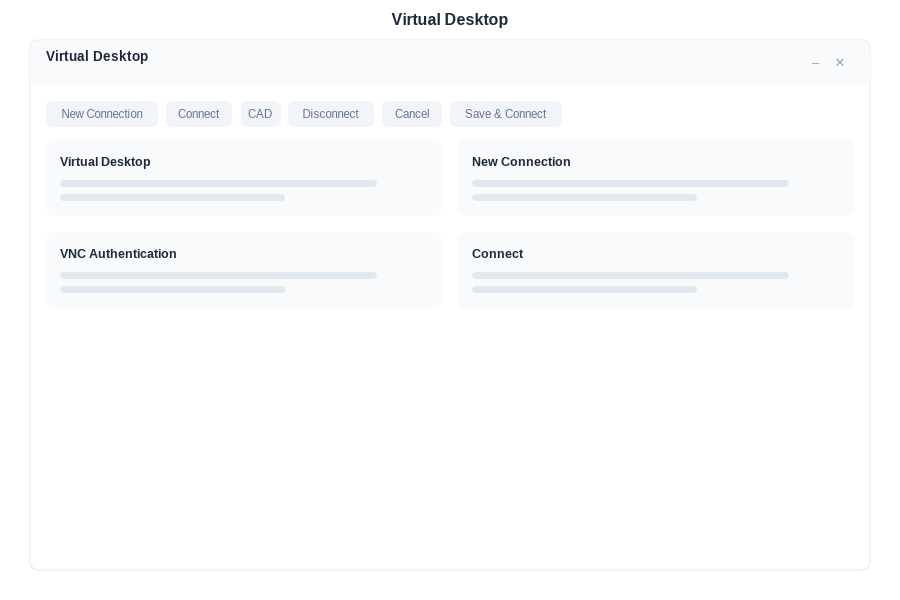

What it is
The Desktop registry entry (desktop) is a virtual desktop infrastructure connection, served by botui/ui/suite/desktop/vdi.html.
Open it
The registry lists desktop as preview-only and outside the 7.0 always-visible list. Turn on Preview mode, click Start, type Desktop and select its tile; see Find an app.
Do this
| Task | Label you will see |
|---|---|
| Start a connection | New Connection, Connect, Save & Connect |
| Choose the target | Connection Name, Hostname or IP, Port, Protocol |
| Authenticate | Authentication, None, Password, VNC Authentication |
| Check state | Connecting..., Disconnected, No connections yet |
| View the desktop | Fullscreen, Fit to Window, Actual Size, Stretch |
| End the session | Disconnect |
- Open Virtual Desktop and choose New Connection.
- Fill Connection Name, Hostname or IP, Port and Protocol, then set Authentication and choose Save & Connect.
- Use Fit to Window, Actual Size or Stretch while connected, and Disconnect to end the session.
Limits
- The registry lists
desktopas preview-only; it is not in anyapps=tier. - With no saved connections the UI reads No connections yet; before connecting its state is Disconnected.
- The shipped credential options are None, Password and VNC Authentication.
Related
- Browser — the embedded browser app
- Terminal — shell inside a VM
- Security policy
- Suite apps