Integrations 🟡 PREVIEW - Connector Platform
What it is
Integrations is the connector workspace: browse the connection catalog, inspect connected services, schedule actions and review inbound sources.

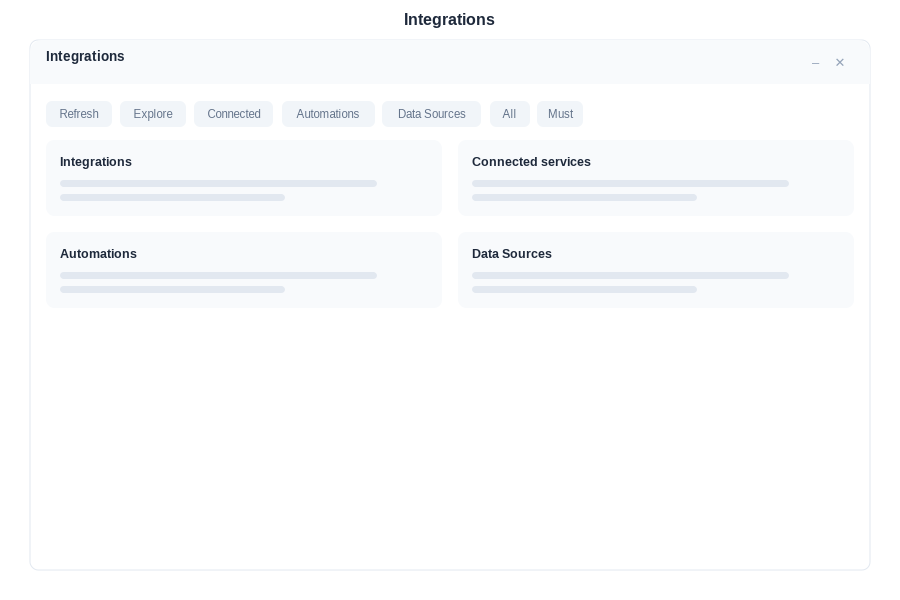
Open it
| Task | Where | Label you will see |
|---|---|---|
| Open the app | Desktop launcher | Integrations |
| Switch areas | Tab strip | Explore, Connected, Automations, Data Sources, Catalog source |
| Search the catalog | Search box | Search providers and actions |
- Click Start, then Integrations.
- Choose an area from the tab strip.
Do this
| Task | Control | Label you will see |
|---|---|---|
| Find a provider | Catalog | Connection catalog, Loading catalog, Availability, All, Must, Available |
| Change the layout | View toggle | Cards, List |
| Inspect a connection | Connected tab | Connected services, Refresh connected, Search connected services, Status, Name, Last tested |
| Schedule an action | Automations tab | Scheduled execution, New automation, Provider *, Action *, Schedule *, Create automation |
| Pick a cadence | Schedule field | Every 5 minutes, Every 15 minutes, Hourly, Daily, Weekly |
| Pass parameters | Parameters field | Parameters (JSON object) |
| Review inbound data | Data Sources tab | Inbound ingestion, Refresh sources |
| Read provenance | Catalog source tab | Catalog provenance, Where providers come from, Refresh source, Provider detail, Integration details |
Limits
- The cadence choices are the five shown; there is no free-form cron field on this surface.
- A provider card is a catalog entry; the page does not promise that every action is enabled in a given deployment.