Settings 🟡 PREVIEW - User Preferences

What it is
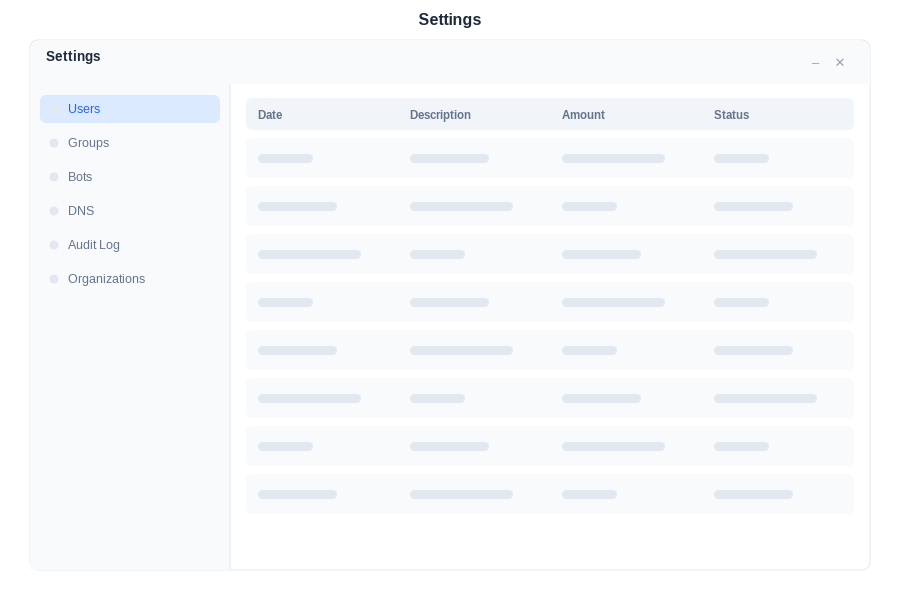
Settings is the unified preferences surface: profile, appearance, wallpaper, language, security and admin sections (RBAC-gated) — the registry description for settings.
Open it
The registry lists settings as always visible. Click Start, type Settings and select its tile; see Find an app.
Do this
| Task | Label you will see |
|---|---|
| Edit your details | Profile, Display Name, Email Address, Save Changes |
| Change the look | Appearance, Theme, Text size, Chat background, Desktop Wallpaper |
| Choose a language | Language, Display Language, Date Format, Time Format |
| Choose the model | Model, On-device AI, Usage & limits |
| Connect services | Integrations, Open Integrations, Connect, Full catalog |
| Control privacy | Privacy, Memory, Manage memories |
| Open admin tools | Administration, Users, Groups, Bots, DNS, Audit Log |
| Check the build | Updates, Versions, Third-party licenses |
- Open Settings and choose a section from the navigation.
- Change a field, then choose Save Changes or Save Preferences.
- Use Preview mode to reveal the full settings tree; off keeps only the essential sections for this edition.
Limits
- Identity, sessions and two-factor authentication live in the Zitadel directory (Open directory profile, Open directory security); this surface does not own them.
- The public profile section reads Coming soon.
- No plan information is managed by this deployment and no payment method is on file here; plan and invoices are managed on Cloud.
- Local data is kept on this device; Export local data downloads it, and Clear local cache removes cached settings and drafts.