Timer 🟡 PREVIEW

What it is
Timer is a Pomodoro and countdown timer with notifications (registry description for timer).
Open it
The registry lists timer as always visible. Click Start, type Timer and select its tile; see Find an app.
Do this
| Task | Label you will see |
|---|---|
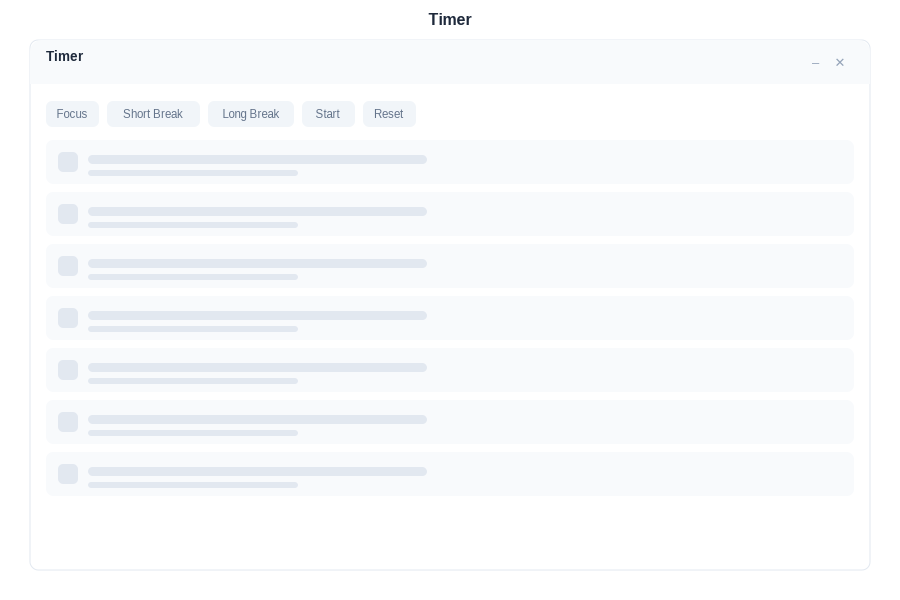
| Pick a mode | Focus, Short Break, Long Break |
| Start the count | Start |
| Hold the count | Pause |
| Begin again | Reset |
| Read the notification | Time's up! Take a break. |
- Choose Focus, Short Break or Long Break.
- Choose Start; use Pause to hold the count and Reset to begin again.
- At the end, the app shows Time's up! Take a break.
Limits
- The shipped UI offers exactly three modes: Focus, Short Break and Long Break; no fourth mode is declared in
botui/ui/suite/timer/.
Related
- Time Clock — attendance and overtime
- Clock Widget
- Suite apps