Social 🟡 PREVIEW - Community
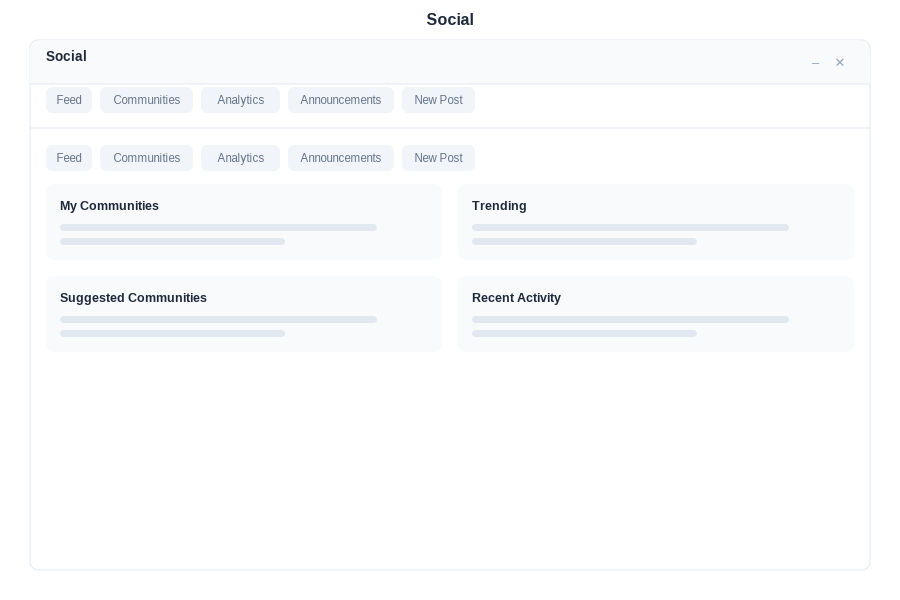

What it is
Social posts to social media and manages feeds (registry description for social).
Open it
The registry lists social as preview-only. Turn on Preview mode, click Start, type Social and select its tile; see Find an app.
Do this
| Task | Label you will see |
|---|---|
| Browse | Feed, Communities, Announcements, Analytics |
| Write a post | New Post, What's on your mind?, Create Post |
| Choose the audience | Organization, Community Only, Public, No Community |
| Delay a post | Schedule |
| Read metrics | Reach, Engagement rate, New followers, Posts, Likes, Shares |
- Open Social and choose Feed or Communities.
- Choose New Post, write in What's on your mind? and set the audience to Organization, Community Only or Public.
- Choose Create Post, or Schedule it for later; use Analytics for the engagement view.
Limits
- Preview-only: the registry assigns
socialtoLauncherVisibility::Preview. - Service unavailable is the app's message when the backing service cannot be reached; the analytics empty state is Loading….