Workspace 🟡 PREVIEW - Pages & Blocks
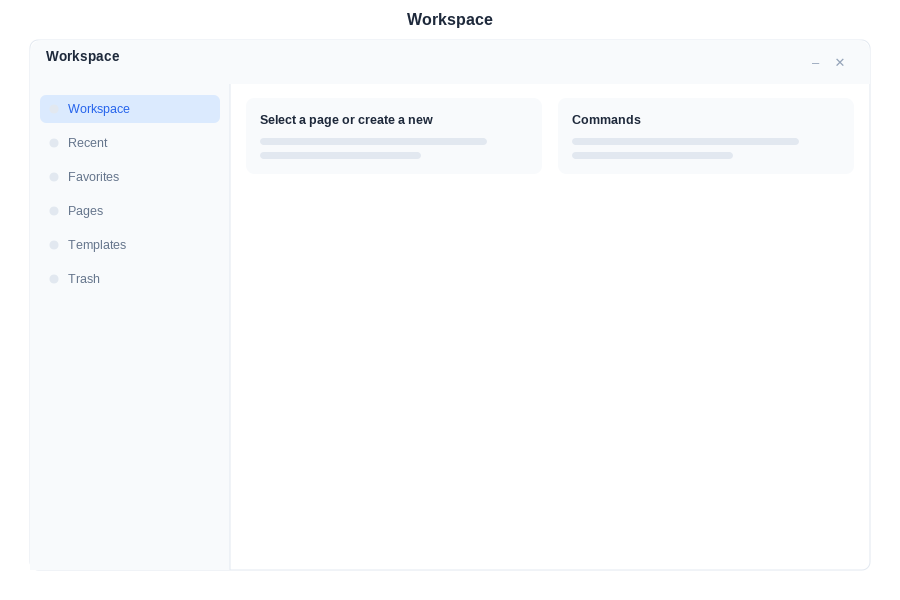

What it is
Workspace is a collaborative workspace with pages and search (registry description for workspace).
Open it
The registry lists workspace as preview-only. Turn on Preview mode, click Start, type Workspace and select its tile; see Find an app.
Do this
| Task | Label you will see |
|---|---|
| Browse pages | Pages, Recent, Favorites |
| Find a page | Search pages... |
| Start a page | Untitled, Select a page or create a new one |
| Write on a page | Commands |
| Work with others | Members, Invite Members |
| Maintain the space | Templates, Trash, Settings |
- Open Workspace and use Search pages... or Recent to find a page.
- Create a page (it starts as Untitled) and use Commands to add blocks.
- Use Invite Members to share the space, and Trash for removed pages.
Limits
- The empty state reads Your workspace pages will appear in the sidebar; without a selected page the content says Select a page or create a new one.
- Service unavailable is the app's own message when the backing service cannot be reached.
- Preview-only: the registry assigns
workspacetoLauncherVisibility::Preview.