Terminal 🟡 PREVIEW - Console
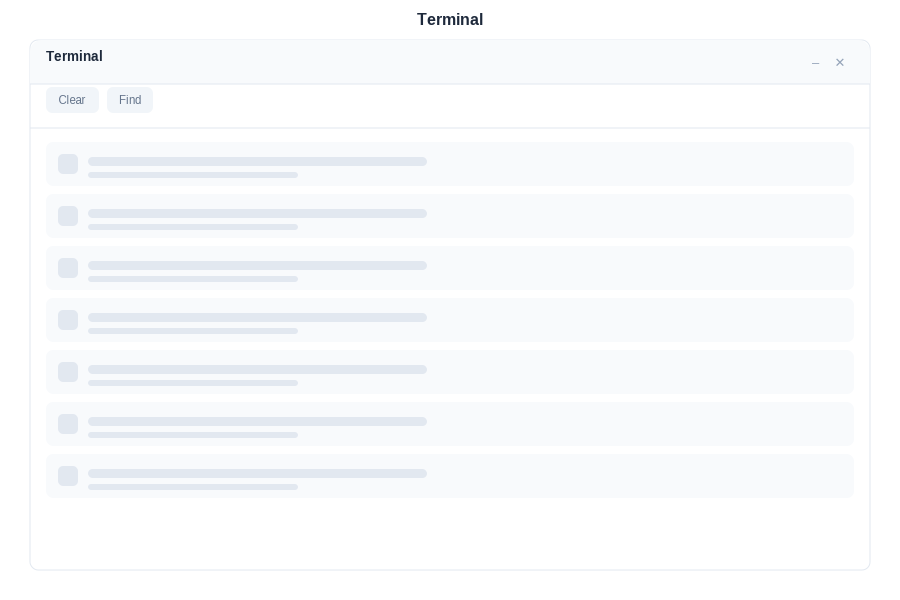

What it is
Terminal is a shell inside your workspace VM, next to the conversation files (registry description for terminal).
Open it
The registry lists terminal as preview-only and outside the 7.0 always-visible list. Turn on Preview mode, click Start, type Terminal and select its tile; see Find an app.
Do this
| Task | Label you will see |
|---|---|
| Open a shell | Shell inside a workspace or project VM, New tab |
| Pick the machine | VM:, Workspace VM, Loading VMs… |
| Work in the shell | Clear, Find, Find (Ctrl+Shift+F) |
| Check connection | Connecting..., Service unavailable |
- Open Terminal and select a VM from VM: (a Workspace VM is one option).
- Use New tab for another shell and Find (Ctrl+Shift+F) to search output.
- Choose Clear to reset the visible output.
Limits
- The shell runs inside a workspace or project VM; with no VM available the picker reads Loading VMs… and the pane can report Service unavailable.
- Preview-only: the registry assigns
terminaltoLauncherVisibility::Preview.
Related
- Drive — the files beside the conversation
- Research
- Chat
- Admin
- Suite manual