Recycle Bin 🟡 PREVIEW
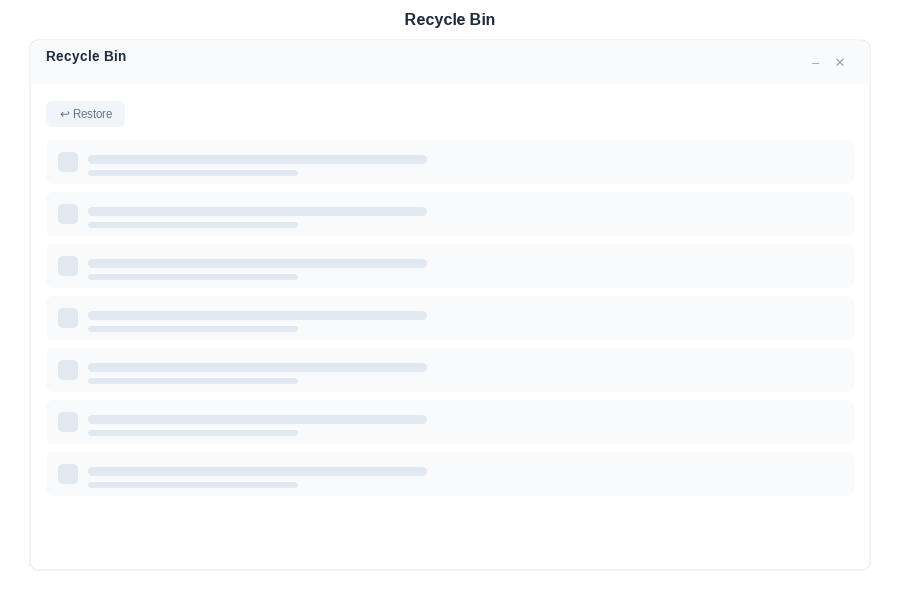

What it is
Recycle Bin restores or permanently deletes trashed files from Drive (registry description for recycle).
Open it
The registry lists recycle as preview-only. Turn on Preview mode, click Start, type Recycle Bin and select its tile; see Find an app.
Do this
| Task | Label you will see |
|---|---|
| Refresh the list | ↻ Refresh |
| Empty the bin | 🗑 Empty Trash |
| Check status | Loading... |
- Open Recycle Bin and wait for the trashed files to load.
- Use ↻ Refresh to re-read the list.
- Use 🗑 Empty Trash only when every file in the bin can be removed.
Limits
- Preview-only: the registry assigns
recycletoLauncherVisibility::Preview. - The two actions present in the shipped UI are ↻ Refresh and 🗑 Empty Trash; restore is described by the registry, not by a labelled button in the markup.
Related
- Drive — where files are trashed and restored
- Backup and recovery
- Suite apps