o365 🟡 PREVIEW - Unified Office Productivity
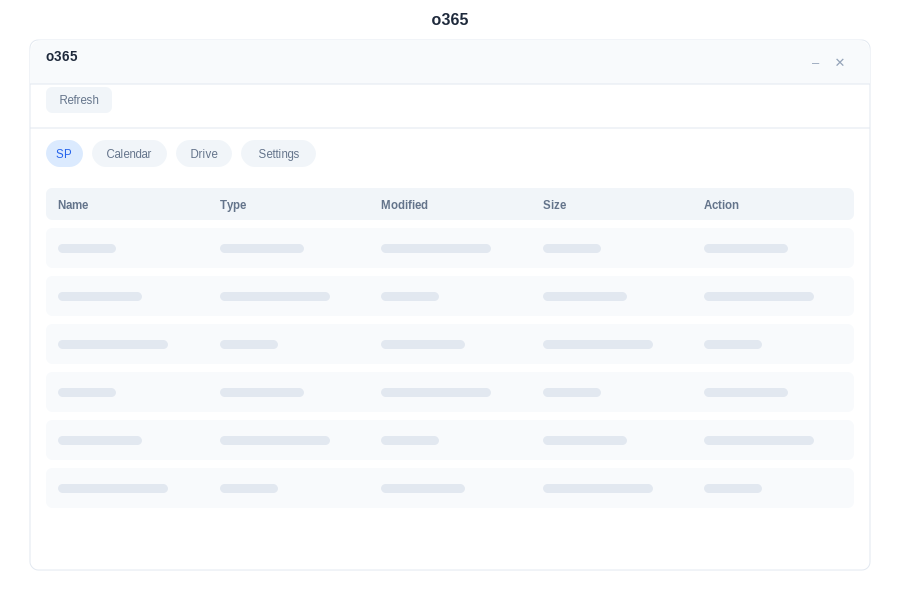

What it is
o365 is the unified office productivity integration for SP, Calendar, Drive and mail (registry description for o365).
Open it
The registry lists o365 as preview-only. Turn on Preview mode, click Start, type o365 and select its tile; see Find an app.
Do this
| Task | Label you will see |
|---|---|
| Overview | o365 Integration, SP Sites, Calendar Events, Drive Files, Chats |
| Check the account | Account Status, o365 Account, Not connected, Last Sync, Never |
| Sync now | Sync Now |
| Set the interval | Sync Frequency, Every 5 min, Every 15 min, Every 30 min, Every hour |
| Calendar and Drive sync | Calendar Sync, Sync calendar events, Drive Sync, Sync Drive files |
| Create a meeting | Create Meeting, Upcoming Meetings, Subject, Attendees, Create |
- Open o365 Integration and check Account Status.
- Choose Sync Now, then set Sync Frequency to one of the shipped intervals.
- Enable Sync calendar events or Sync Drive files, or choose Create Meeting with Subject and Attendees.
Limits
- o365 integration managed by your workspace is the app's own label for a workspace-managed account.
- Preview-only: the registry assigns
o365toLauncherVisibility::Preview. - Service unavailable is the app's message when the backing service cannot be reached.