Sales 🟡 PREVIEW - CRM Pipeline
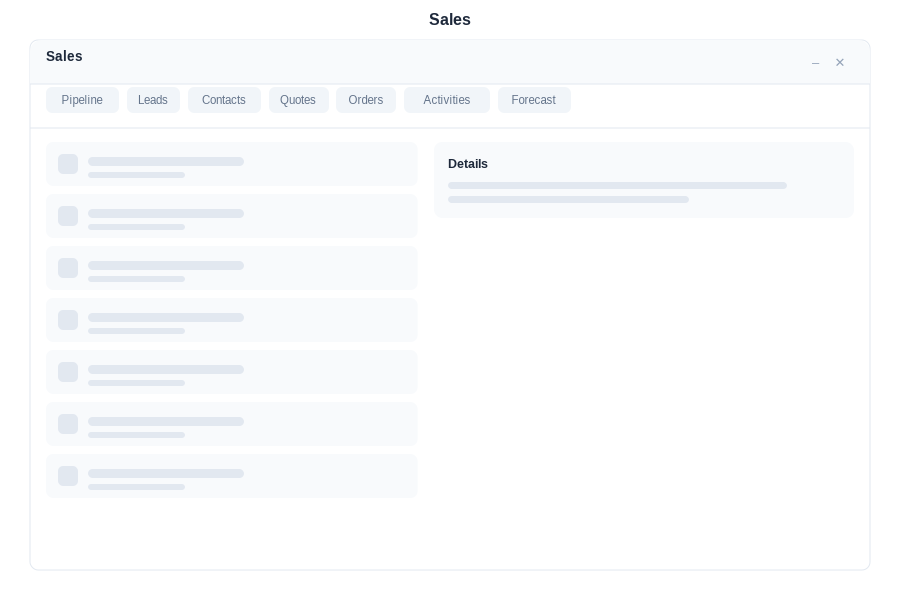

Not a launcher app. There is no
salesid inall_apps(); the shipped page points to CRM, whose registry id iscrm.
What it is
Sales documents the CRM pipeline vocabulary; the only shipped surface is the CRM → Quotes & Orders view.
Open it
Open CRM from the launcher — CRM is always visible — then choose Quotes & Orders. This page has no tile of its own.
Do this
| Task | Label you will see (in CRM) |
|---|---|
| Open the pipeline | Pipeline, Deals, Opportunities |
| Follow a deal | Lead, Qualified, Proposal, Negotiation, Won, Lost |
| Handle orders | Quotes & Orders |
| Find a record | Search deals, accounts... |
| Start a deal | Add Lead, New Opportunity |
- Open CRM and choose Pipeline.
- Use Search deals, accounts... to find a deal, then move it through Lead, Qualified, Proposal, Negotiation to Won or Lost.
- Open Quotes & Orders for the order side of the pipeline.
Limits
- There is no registry entry, launcher tile or
botui/ui/suite/sales/module with further controls; the page's own UI string is CRM → Quotes & Orders. - Stage names and actions above are CRM labels, not a separate Sales implementation.
Related
- CRM — the shipped pipeline app