Products 🟡 PREVIEW - Product & Service Catalog
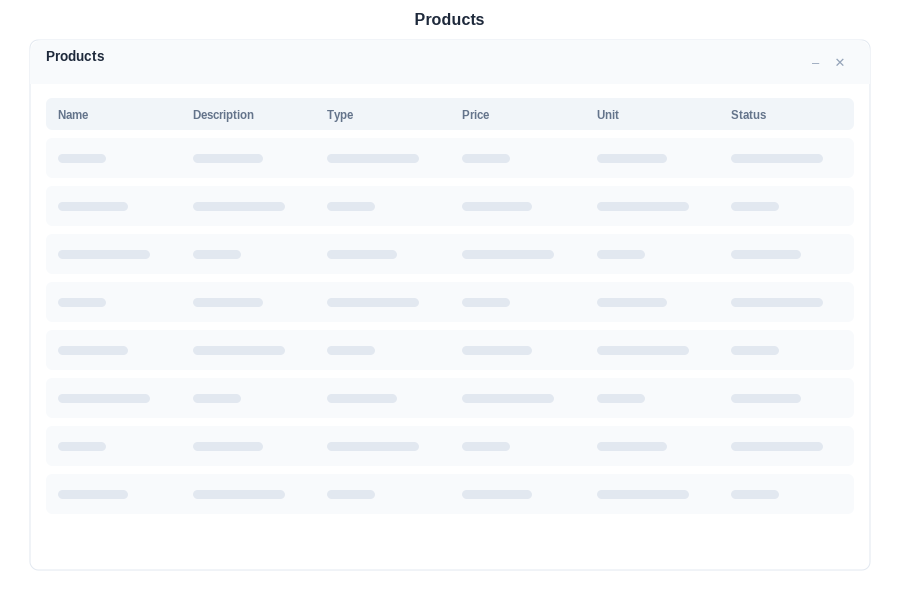

What it is
Products is the product catalog with items, services and price lists (registry description for products).
Open it
The registry lists products as always visible. Click Start, type Products and select its tile; see Find an app.
Do this
| Task | Label you will see |
|---|---|
| Browse the catalog | Products, Catalog, Services, Price Lists |
| Find an item | Search products, services..., All Categories, All, Grid view, List view |
| Add a product | New Product, Product Name, SKU, Price, Create Product |
| Add a service | New Service, Service Name, Billing Type, Create Service |
| Add a price list | New Price List, Price List Name, Currency, Create Price List |
- Open Products and choose Catalog or Services.
- Choose New Product (or New Service) and fill the named fields, then choose Create Product (or Create Service).
- Open Price Lists and choose New Price List to add a currency-specific list.
Limits
- The shipped forms create exactly three record kinds: Product, Service and Price List; no fourth creation form is present in
botui/ui/suite/products/. - Service unavailable is the app's message when the backing service cannot be reached.