Handoff 🟡 PREVIEW - Chatbot Analytics
What it is
Handoff is the transfer-and-analytics console: a queue, agents, channel traffic, CSAT, transcripts and SLA monitoring.

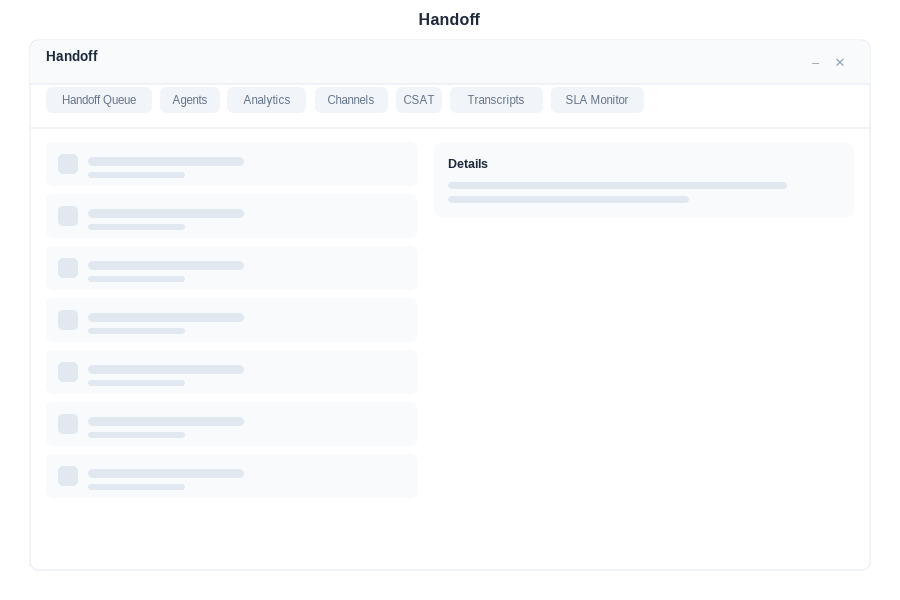
Open it
| Task | Where | Label you will see |
|---|---|---|
| Open the app | Desktop launcher, after Preview mode is on | Chatbot Handoff & Analytics |
| Switch areas | Tab strip | Handoff Queue, Agents, Analytics, Channels, CSAT, Transcripts, SLA Monitor |
- Turn on Preview mode in the sidebar.
- Click Start, then Handoff.
Do this
| Task | Control | Label you will see |
|---|---|---|
| Move a conversation to an agent | Transfer dialog | Transfer conversation, Transfer, Cancel |
| Give a reason | Transfer dialog | Skill mismatch, Workload balancing, Customer escalation, VIP handling |
| Invite an agent | Agents tab | + Invite agent |
| Export traffic | Analytics tab | Export CSV |
Limits
- Transfer is the action on this surface; it does not close the bot conversation.
- The four transfer reasons above are the ones in the dialog; there is no free-text category on this surface.