Billing 🟡 PREVIEW - Invoices, Payments & Quotes
What it is
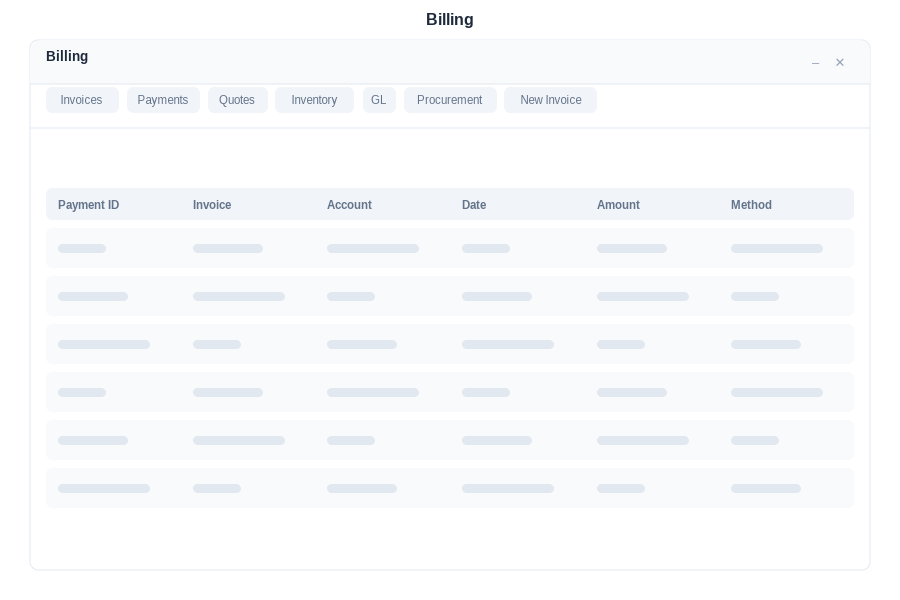
Billing is the invoicing workspace: invoices, recorded payments, quotes and the related accounting views.

Open it
| Task | Where | Label you will see |
|---|---|---|
| Open the app | Desktop launcher | Billing |
| Switch areas | Tab strip | Invoices, Payments, Quotes, Inventory, GL, Procurement, Accounts, Balance Sheet, Income Statement |
- Click Start, then Billing.
- Choose the area you need from the tab strip.
Do this
| Task | Control | Label you will see |
|---|---|---|
| Issue an invoice | Invoices tab | New Invoice |
| Record a payment | Payments tab | Record Payment; columns Payment ID, Invoice, Account, Date, Amount, Method, Actions |
| Filter payments | Method filter | All Methods, Bank Transfer, Credit Card, PIX, Boleto, Cash |
| Draft a quote | Quotes tab | New Quote; columns Quote #, Opportunity, Valid Until, Status |
| Filter quotes | Status filter | All Quotes, Draft, Sent, Accepted, Rejected, Expired |
Limits
- Payment methods are the six filters shown above; the page documents no card processor by name.
- Quote states are the filters shown above; no approval workflow is described here.