Goals 🟡 PREVIEW - OKR Management
What it is
Goals is the OKR surface: objectives, alignment and a dashboard of progress.

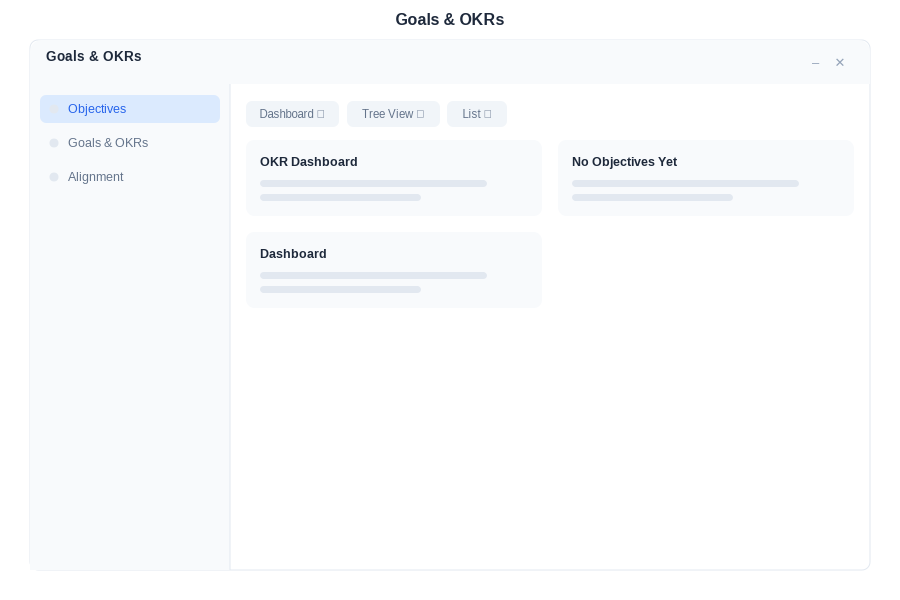
Open it
| Task | Where | Label you will see |
|---|---|---|
| Open the app | Desktop launcher, after Preview mode is on | Goals & OKRs |
| Switch areas | Tab strip | Objectives, Alignment, Dashboard |
- Turn on Preview mode in the sidebar.
- Click Start, then Goals.
Do this
| Task | Control | Label you will see |
|---|---|---|
| Read objectives | Objectives tab | Objectives, Loading objectives... |
| See how they line up | Alignment tab | Alignment |
| Read the roll-up | Dashboard tab | Dashboard |
| Refresh the view | Header action | ↻ Refresh |
Limits
- The shipped tabs are the three above; the page documents no objective editor or scoring formula.
- An unavailable service shows Service unavailable rather than an empty goal list.