App Store 🟡 PREVIEW

What it is
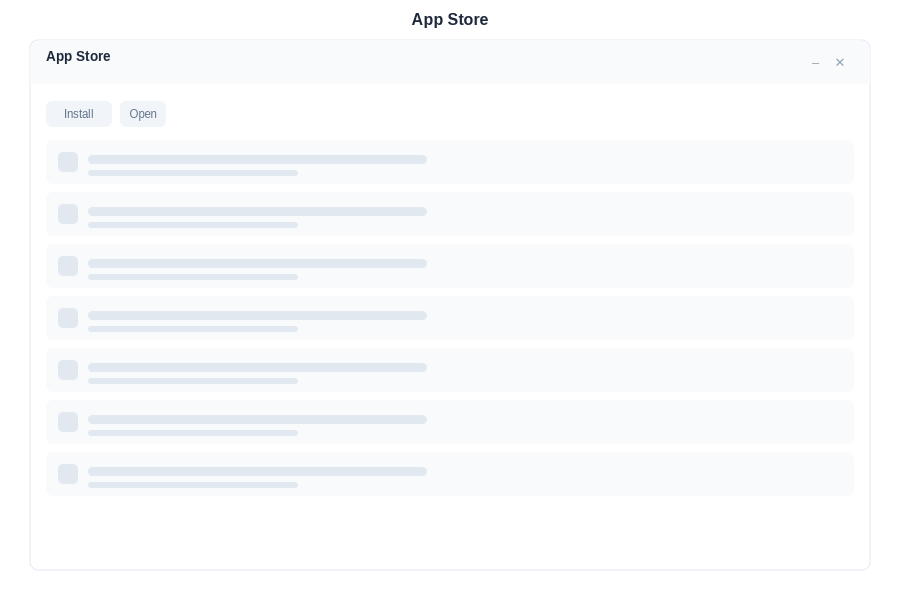
App Store browses, installs and manages applications for the desktop (registry description for store).
Open it
The registry lists store as preview-only. Turn on Preview mode, click Start, type App Store and select its tile; see Find an app.
Do this
| Task | Label you will see |
|---|---|
| Open the store | App Store |
| Find an app | Search the store... |
| Check loading | Loading the store… |
- Open App Store.
- Use Search the store... to find an application.
- Wait for Loading the store… to clear before choosing an entry.
Limits
- Preview-only: the registry assigns
storetoLauncherVisibility::Preview. - The shipped markup declares the search field and the loading state; no further labelled control is present in
botui/ui/suite/store/.
Related
- Desktop — virtual desktop connection
- Preview apps
- Suite apps