Sheets 🟡 PREVIEW (advanced) - Spreadsheets

What it is
Sheets is a spreadsheet app with formulas, charts, filtering, sorting, merge, freeze panes, validation and CSV/XLSX import/export (registry description for sheet).
Open it
The registry lists sheet as always visible. Click Start, type Sheets and select its tile; see Find an app.
Do this
| Task | Label you will see |
|---|---|
| Save and undo | Save, Undo, Redo |
| Enter data | Name box, enter a cell reference, Enter value or formula, Formula bar |
| Format cells | Bold, Italic, Custom Number Format, Merge Cells, Conditional Formatting |
| Find and check | Find & Replace, Check accessibility, Open formula auditing |
| Add a chart | Insert Chart, Advanced charts, Pivot Table, Sparklines, Slicer |
| Work with data | Import, Function wizard, Data connectivity and refresh, Goal Seek, Scenarios |
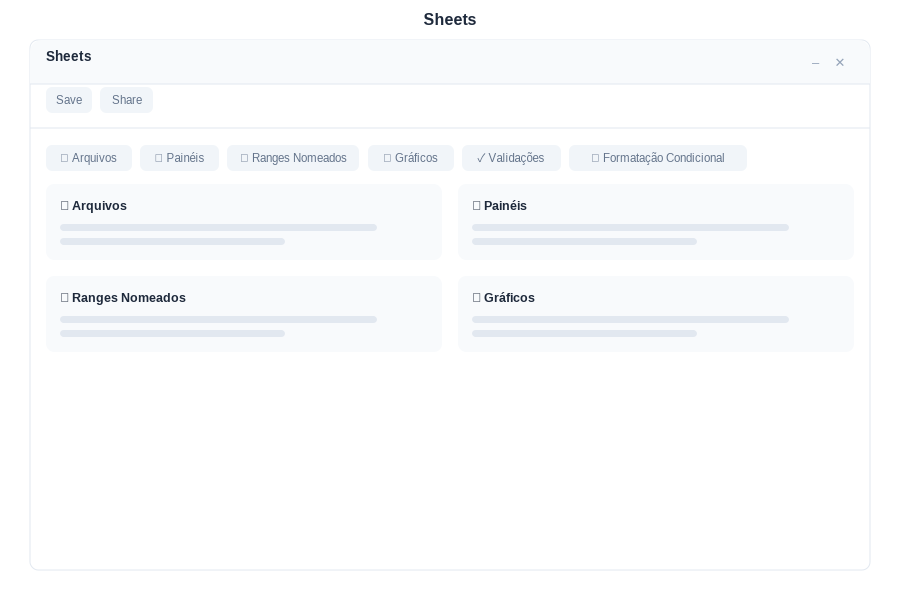
| Panels and export | Files, Panels, Named Ranges, Charts, Print, Share |
- Open Sheets and choose Import for a CSV or XLSX file, or type into the Formula bar.
- Format with Merge Cells and Conditional Formatting; use Insert Chart or Advanced charts for a chart.
- Choose Save. Use Check accessibility and Open formula auditing before sharing.
Limits
- Save or open a sheet before exporting and Save or open a sheet before merging cells are the app's own guards; nothing is written when no sheet is open (Nothing was opened and nothing can be saved. The Drive file is unchanged.).
- The gap list and its order live in Sheet Parity Plan; do not assume every desktop feature is present.
- Service unavailable is the app's message when the backing service cannot be reached.