Retail 🟡 PREVIEW

What it is
Retail covers retail operations and inventory (registry description for retail).
Open it
The registry lists retail as preview-only. Turn on Preview mode, click Start, type Retail and select its tile; see Find an app.
Do this
| Task | Label you will see |
|---|---|
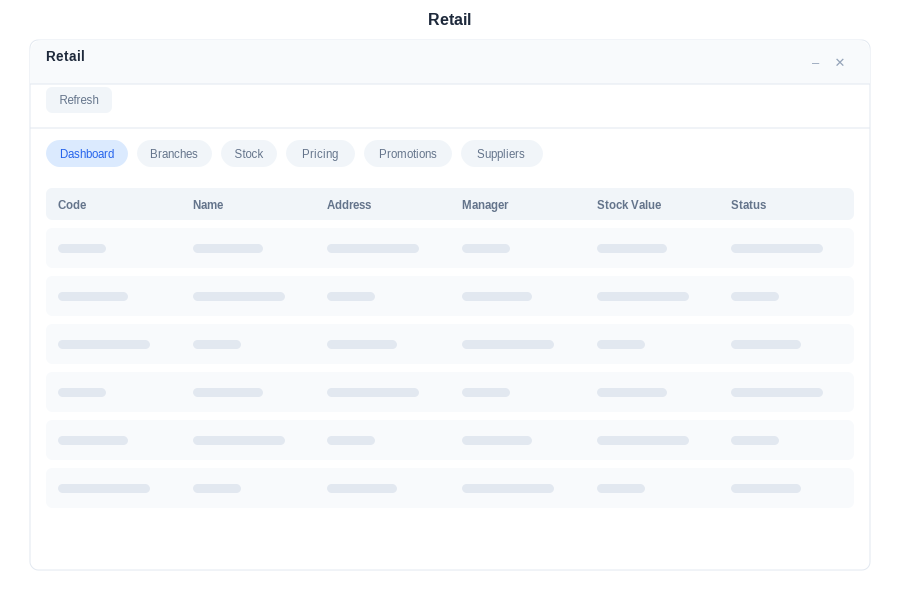
| Overview | Dashboard, Today's Revenue, Orders, Low Stock SKUs, Active Promotions |
| Manage sites | Branches, All Branches, + New Branch |
| Check inventory | Stock, Stock Alerts, Search SKU or product... |
| Adjust prices | Pricing |
| Run a campaign | Promotions, + New Promotion |
| Manage vendors | Suppliers, + New Supplier |
- Open Retail Management and read the Dashboard counters.
- Use Branches to select a site or add one with + New Branch.
- Check Stock with Search SKU or product..., then adjust Pricing or add a Promotion.
Limits
- Preview-only: the registry assigns
retailtoLauncherVisibility::Preview. - The creation forms present in the markup are Branch, Promotion and Supplier; no other creation form is declared.
Related
- Products — catalog, services and price lists
- POS — point of sale
- Sales — CRM pipeline vocabulary
- Suite apps