Lists 🟡 PREVIEW - Marketing Lists
What it is
Lists is the audience workspace: static lists, dynamic lists built with a segment builder, and CSV import.

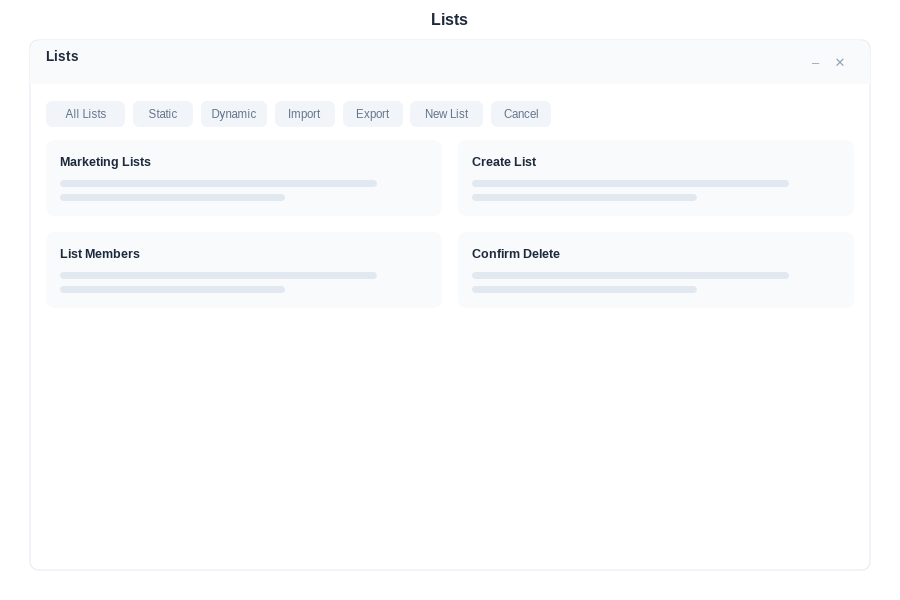
Open it
| Task | Where | Label you will see |
|---|---|---|
| Open the app | Desktop launcher, after Preview mode is on | Marketing Lists |
| Filter lists | Tab strip | All Lists, Static, Dynamic |
- Turn on Preview mode in the sidebar.
- Click Start, then Lists.
Do this
| Task | Control | Label you will see |
|---|---|---|
| Create a list | Header action | Create List, List name |
| Build a dynamic list | List row | Segment builder, Match, All conditions (AND), Any condition (OR) |
| Preview matches | Segment dialog | Preview, Matched contacts, Name, Email, Status |
| Apply the segment | Dialog actions | Apply to this list, Save as list, Cancel |
| Bring in contacts | Header action | Import |
| Remove a list | Row action | Delete List |
The preview is labelled SAMPLE DATA — OFFLINE ESTIMATE (not from server) and its rows are explicitly Example rows from sample data, not real contacts.
Limits
- The segment preview is offline sample data, not a live count of real contacts.
- A list with no structured segment reads No structured segment yet.