Chat 🟢 GA - AI Assistant
What it is
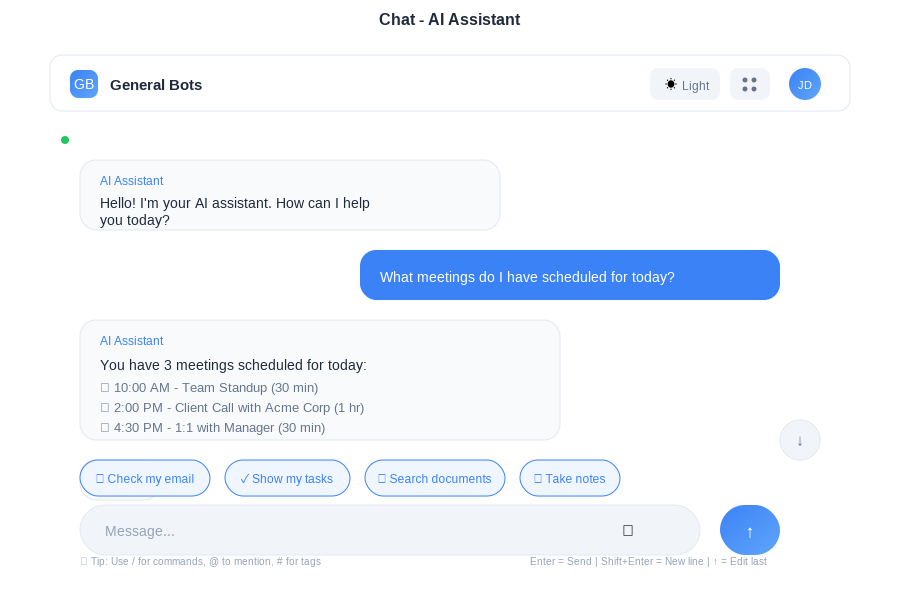
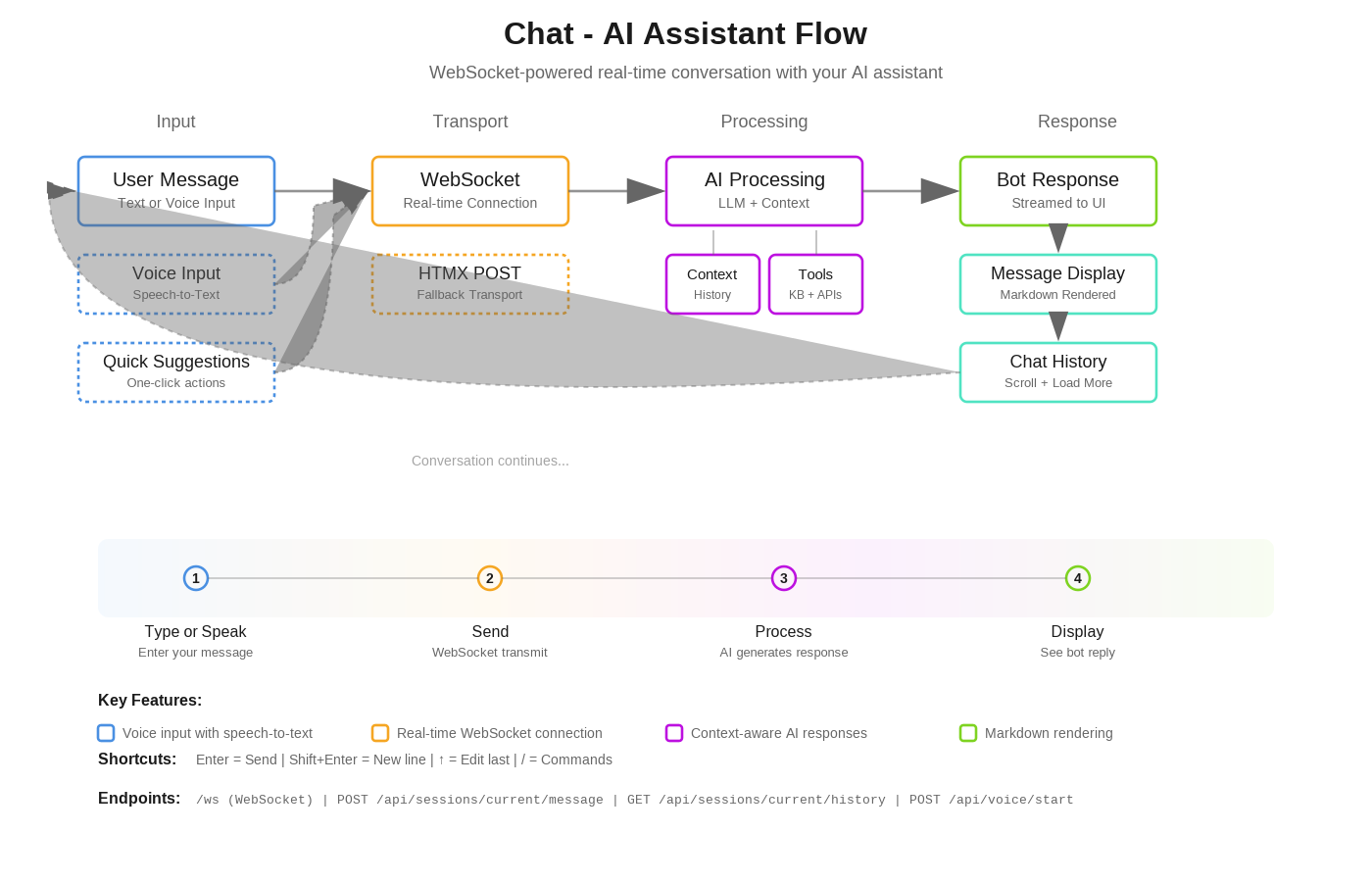
Chat is the conversational assistant: it streams answers in a thread and lets you attach files, speak, search the web and choose an answer mode.

Open it
| Task | Where | Label you will see |
|---|---|---|
| Open the app | Desktop launcher | Chat |
| Send a message | Composer | Type your message..., Send |
| Start over | Header action | New Conversation |
| Find an earlier thread | Sidebar | Chat History |
- Click Start, then Chat.
- Type in the composer and choose Send.
- Use New Conversation to start a fresh thread; earlier threads stay under Chat History.
Do this
| Task | Control | Label you will see |
|---|---|---|
| Attach a file | Composer action | Attach file, Attached file, Attach |
| Use a Drive file | Composer action | Attach from Drive, Open in Drive |
| Take a photo | Composer action | Take a photo, Camera |
| Speak instead of typing | Composer action | Voice input — click to speak, Continuous voice |
| Toggle live sources | Composer toggle | Web search, Web on, Web off |
| Choose answer speed | Model menu | Auto, Fast · cheapest, quick, Balanced · middle ground, Quality · best, slower |
| Reference an entity | Type @ in the composer |
Reference Entity |
| Stop an answer | Running answer | Stop, Stopped |
| Keep an answer | Message action | Copy message, Copy as Markdown, Export Chat |
Limits
- Web search is a toggle (Web on / Web off); it is not always running.
- The model menu names tiers, not particular models; this page names no model.
- Camera states are explicit: No camera was found on this device. and Camera permission was denied. are errors, not a hidden feature.