Paper 🟡 PREVIEW - AI Writing

What it is
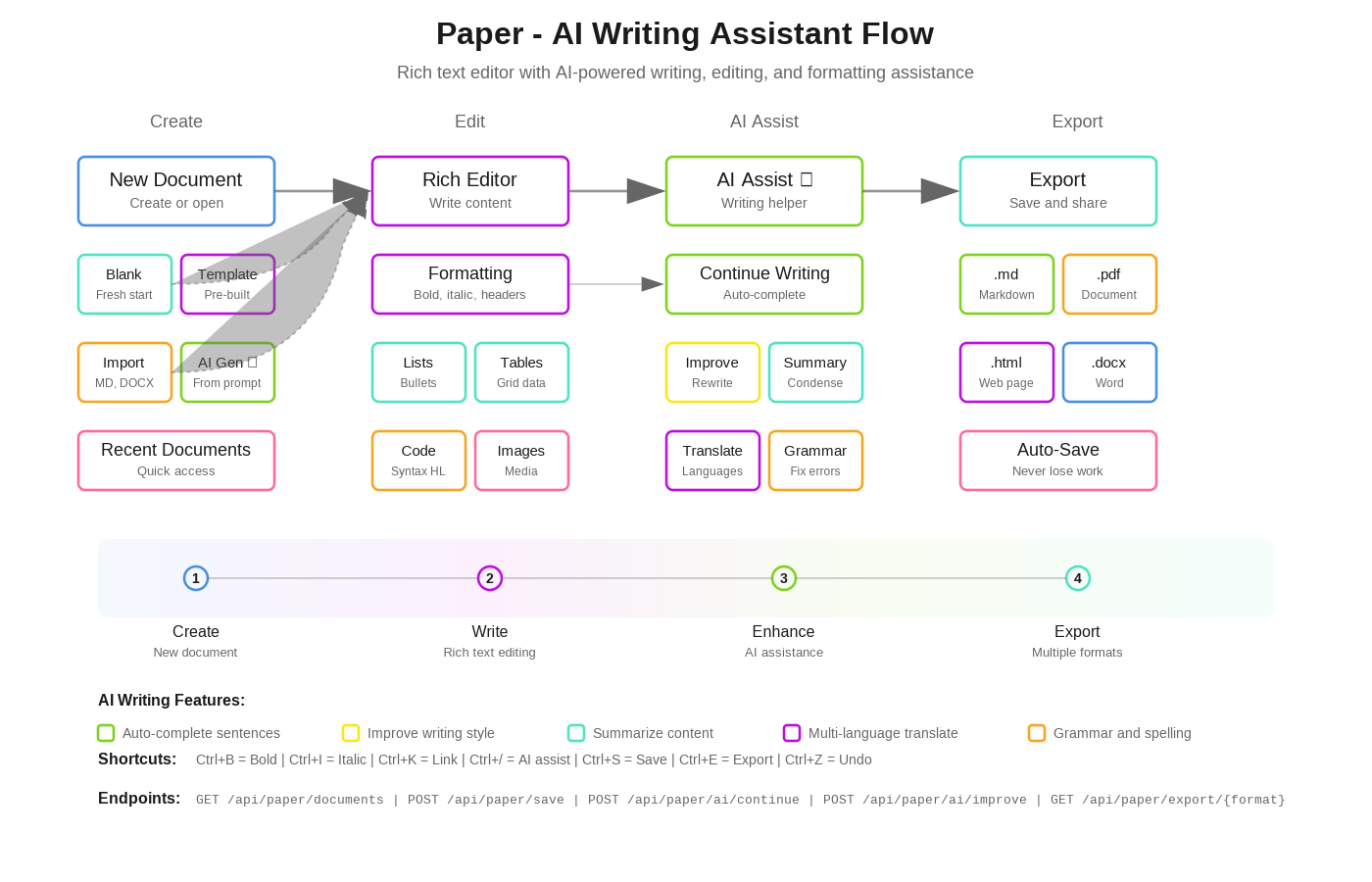
Paper is a rich note and document editor with AI writing assistance (registry description for paper).
Open it
The registry lists paper as always visible. Click Start, type Paper and select its tile; see Find an app.
Do this
| Task | Label you will see |
|---|---|
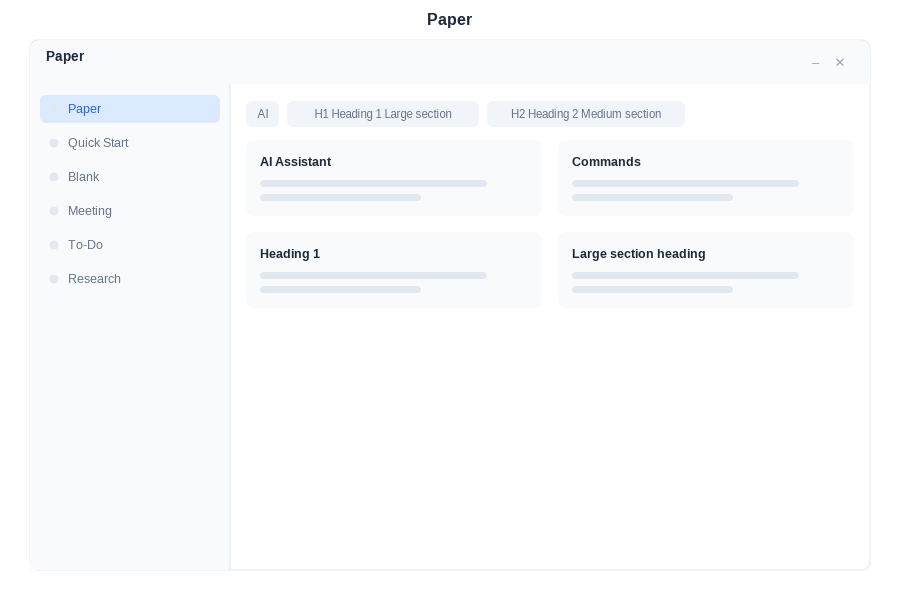
| Start a document | New Note, Search notes..., Blank, Meeting, To-Do, Research |
| Format the text | Paragraph, Heading 1/2/3, Bold, Italic, Underline, Highlight |
| Add structure | Bullet List, Numbered List, To-Do List, Insert table, Code Block, Quote |
| Use AI | AI Assistant, AI Write, AI Summarize, AI Expand, AI Improve, AI Translate |
| Write on the page | Start writing, or type / for commands..., Commands |
| Save and export | Save, Saved, Export Document, PDF, Word (.docx), Markdown, Plain Text |
- Open Paper and choose New Note, or pick a template such as Meeting or To-Do.
- Write in the canvas or type
/for Commands; use the toolbar for formatting and AI Assistant for generated text. - Choose Save, then Export Document to pick PDF, Word (.docx), Markdown or Plain Text.
Limits
- The workspace status bar reads Saved and Last edited: Just now; the Quick Note variant reads Saved on this device.
- The export formats declared in the shipped modal are PDF, Word (.docx), Markdown and Plain Text.
- Service unavailable is the app's message when the backing service cannot be reached.
Related
- Drive — document storage
- Research
- Add a KB document