Time Clock 🟡 PREVIEW - Time Tracking

What it is
Time Clock tracks time and attendance with overtime forms (registry description for timeclock).
Open it
The registry lists timeclock as preview-only. Turn on Preview mode, click Start, type Time Clock and select its tile; see Find an app.
Do this
| Task | Label you will see |
|---|---|
| Overview | Dashboard, Team, Reports, Time zone |
| Read records | Records, Date, Hours |
| Request overtime | Request Overtime, Overtime, Reason, Submit |
| Maintain the calendar | Schedule, Holidays |
| Supply justification | Justifications |
| Audit | Audit, Refresh |
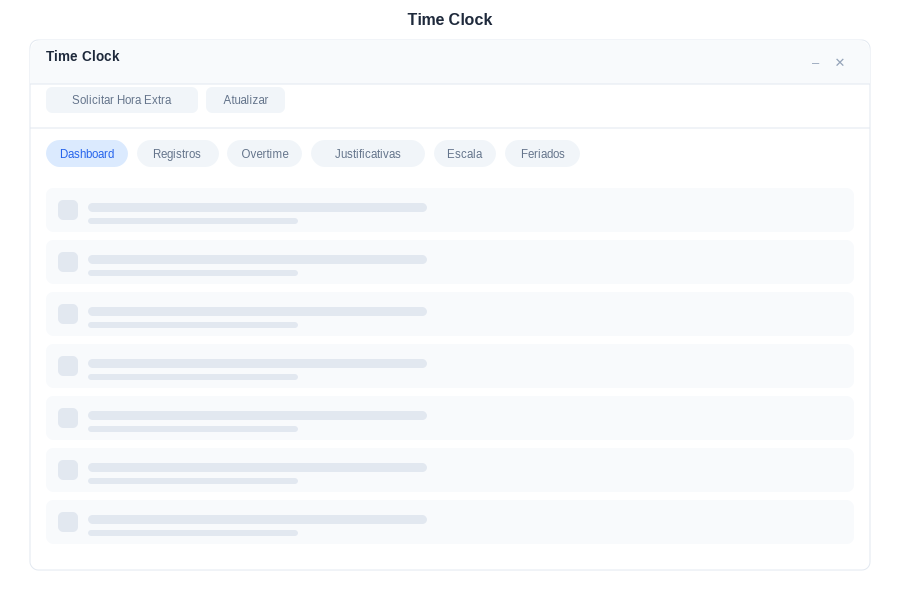
- Open Electronic Time Clock and read Dashboard for the team.
- Choose Records to read Date and Hours, then Request Overtime to fill Reason and Submit.
- Use Schedule, Holidays and Audit for the remaining views.
Limits
- Service unavailable is the app's own message when the backing service cannot be reached; loading is Loading dashboard….
- Preview-only: the registry assigns
timeclocktoLauncherVisibility::Preview.