Auth 🟡 PREVIEW - Login
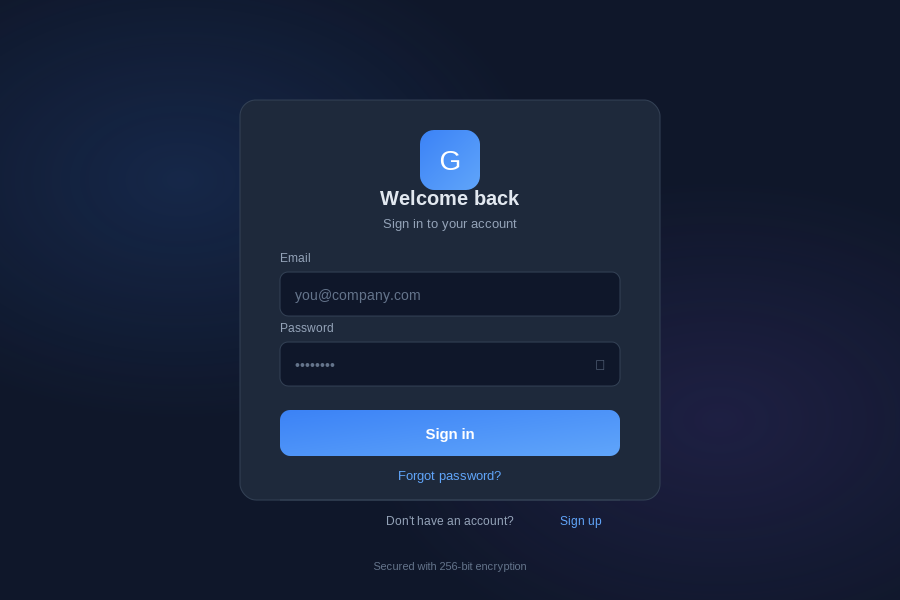
Authentication surface. Served by the login UI on port 5000, not by an app window in the suite.
What it is
Auth is the sign-in and account surface: it verifies credentials and issues the session the rest of the suite uses.

Open it
| Task | Where | Label you will see |
|---|---|---|
| Sign in | Login UI | Sign In, Email, Password |
| Start a new account | Login UI | Create a free account |
| Leave the session | Account menu | Log Out |
- Open the login UI on port 5000.
- Enter Email and Password, then choose Sign In.
Do this
| Task | Control | Label you will see |
|---|---|---|
| Stay signed in | Form toggle | Remember me |
| Recover access | Form link | Forgot password? |
| Read a failed attempt | Error region | Invalid email or password, Too many failed attempts. Please try again later. |
| Read a session expiry | Error region | Your session has expired. Please sign in again. |
Limits
- Login and signup are served only by the login UI; the cloud UI does not serve them.
- The error lines above are the ones shipped in the locale catalogue; no other recovery mechanism is documented here.