POS 🟡 PREVIEW - Point of Sale
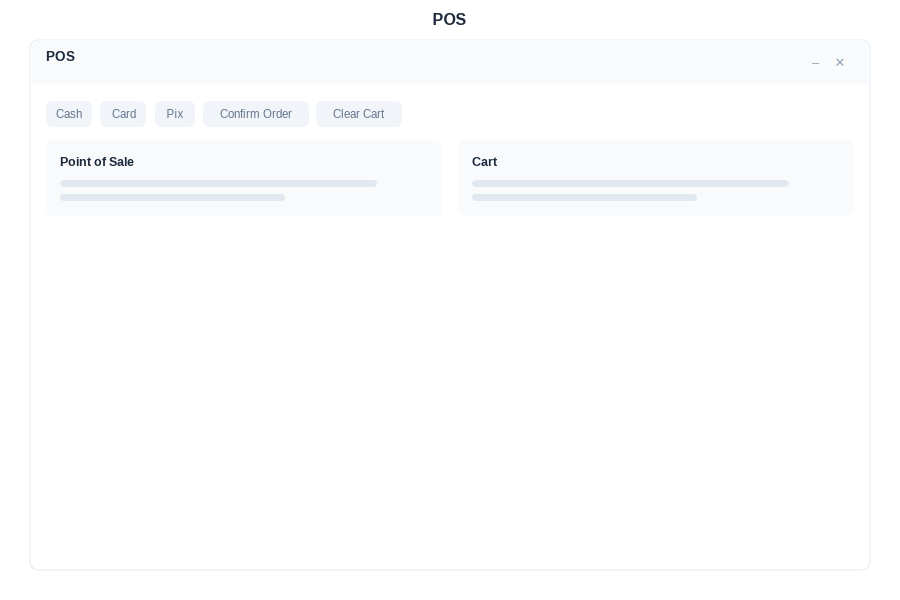

What it is
POS is a point of sale with orders and products (registry description for pos).
Open it
The registry lists pos as preview-only. Turn on Preview mode, click Start, type POS and select its tile; see Find an app.
Do this
| Task | Label you will see |
|---|---|
| Find an item | Search products... |
| Review the sale | Cart |
| Check status | Loading, Service unavailable |
- Open Point of Sale.
- Use Search products... to find an item and add it to the Cart.
- Review the Cart before completing the sale.
Limits
- Preview-only: the registry assigns
postoLauncherVisibility::Preview. - The shipped markup exposes only the product search and the cart; no payment or tax action is declared in it.
Related
- Products — the product and price-list catalog