Compliance 🟡 PREVIEW - ISO 27001
What it is
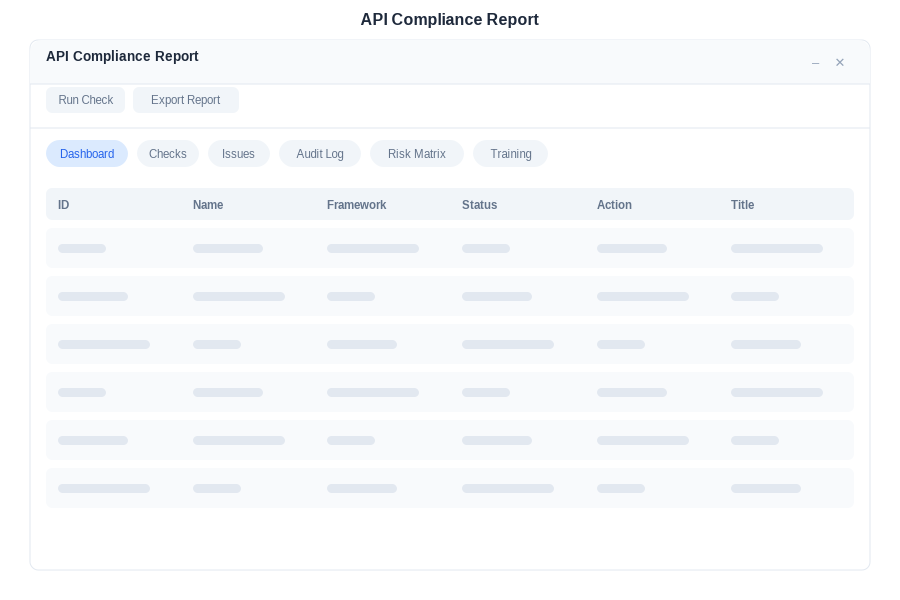
Compliance is a preview console for ISO 27001 checks, issues, the audit log, a risk matrix and training records.

Open it
| Task | Where | Label you will see |
|---|---|---|
| Open the app | Desktop launcher, after Preview mode is on | ISO 27001 Compliance |
| Switch areas | Tab strip | Dashboard, Checks, Issues, Audit Log, Risk Matrix, Training |
- Turn on Preview mode in the sidebar.
- Click Start, then Compliance.
Do this
| Task | Control | Label you will see |
|---|---|---|
| Run a check | Header action | Run Check |
| Read the summary | Dashboard | Total Checks, Passed, Failed, Warnings, Score, Compliance Score |
| Inspect checks | Checks tab | ID, Name, Framework, Status, Action |
| Raise an issue | Issues tab | Create Issue, Title, Severity, Assignee, Created, Due Date |
| Read the trail | Audit Log tab | Timestamp, Type, Description, User |
| Read the matrix | Risk Matrix tab | Risk Matrix (Likelihood x Impact), Likelihood, Impact → |
| Record training | Training tab | Training Records, New Training, Create Training |
| Export | Header action | Export Report |
Limits
- The score board reports checks; it does not certify the organisation.
- Framework records are managed through New / Framework Details; the page names no certification body.
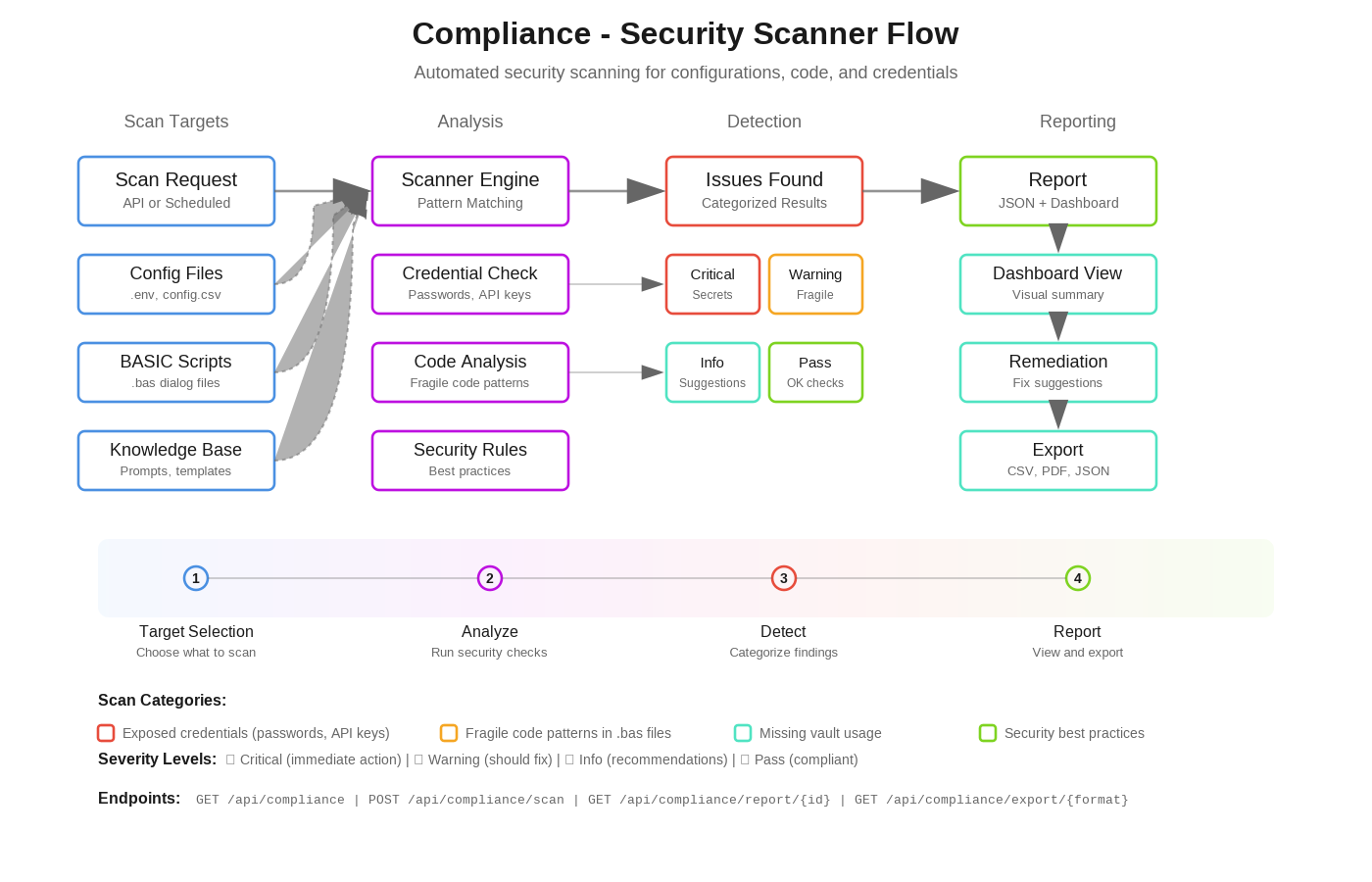
- The API routes behind these views are listed in Compliance API.