Message Templates 🟡 PREVIEW - Content

What it is
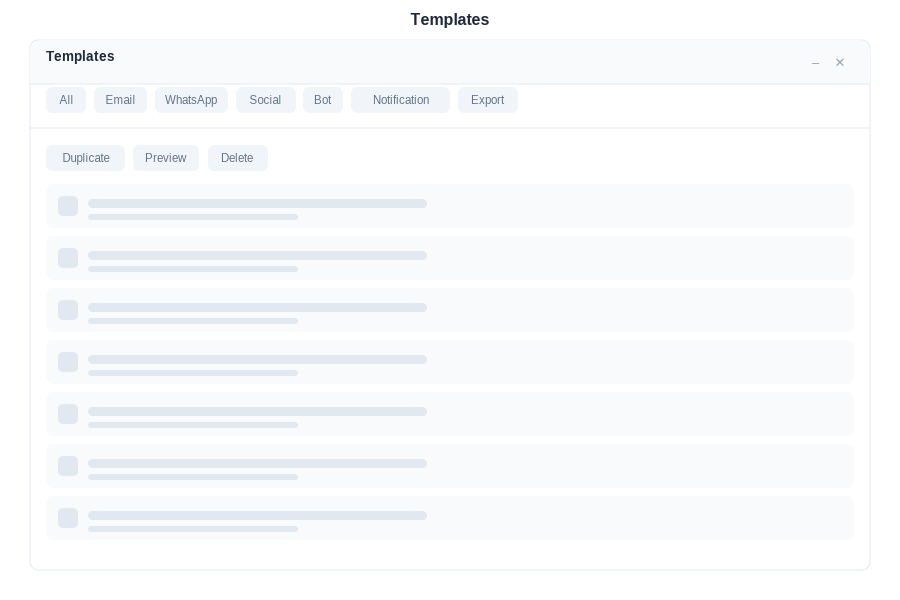
Message Templates is the channel message template catalog for email, WhatsApp, social, bot and notifications (registry description for templates).
Open it
The registry lists templates as preview-only, under the title Message Templates. Turn on Preview mode, click Start, type Message Templates and select its tile; see Find an app.
Do this
| Task | Label you will see |
|---|---|
| Browse templates | Message Templates, Search templates... |
| Create one | Create Template, Template Name, Channel |
| Write the body | Write your message here. Use {{contact.name}}, {{company}}, etc. |
| Add AI help | AI Prompt (optional) |
| Check placeholders | Available Variables |
| Inspect the result | Preview, Template Preview |
- Open Message Templates and use Search templates... to find one.
- Choose Create Template and fill Template Name, Channel and the message body.
- Optionally add an AI Prompt (optional), then check Available Variables and Preview.
Limits
- Preview-only: the registry assigns
templatestoLauncherVisibility::Preview. - The launcher entry is
templates(channel messages). The shipped bot starter templates are a different catalog, documented in Bot Templates. - Service unavailable is the app's own message when the backing service cannot be reached.