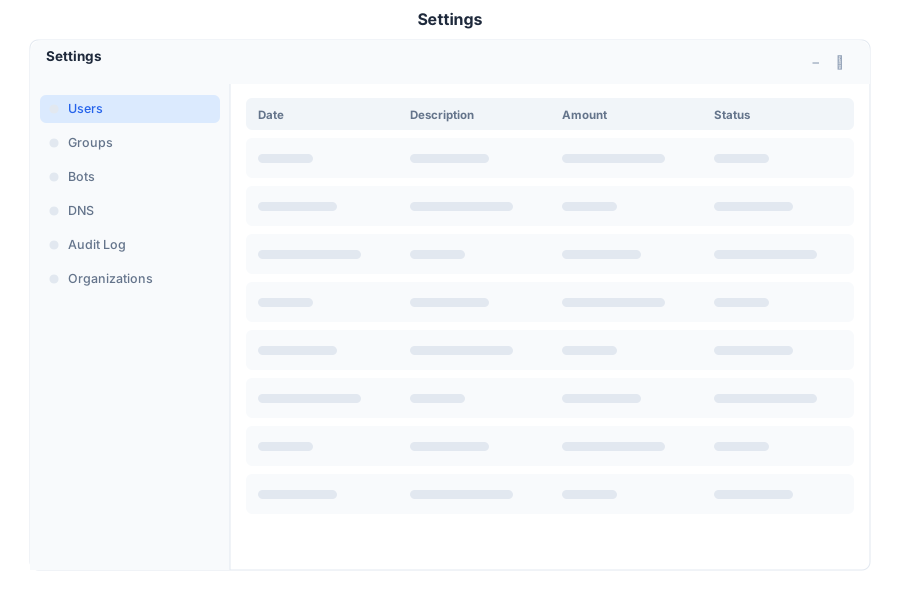
Full system administration console
Admin is the central administration console in General Bots Suite. Manage users, roles, organizations, billing, compliance, and system health from a single dashboard. Admin gives administrators full control over the platform without touching the command line.
The operations dashboard provides a real-time overview of system health and usage.
Metric Description
Active Users Total users with sessions in the last 30 days Bots Running Currently deployed and active bots Messages Today Total messages processed across all bots System Uptime Service availability percentage
Action Description
Create User Add new user with email, name, and initial role Edit User Update profile, role, or organization membership Deactivate Disable user without deleting history Reset Password Send password reset email Impersonate Login as user for support (audit logged)
Role Access Level
Admin Full system access, user management, billing Operator Bot management, conversations, analytics Viewer Read-only access to dashboards and reports Custom Define granular permissions per resource
Multi-tenant organization support:
Field Description
Name Organization display name Slug URL-safe identifier Plan Subscription tier (Free, Pro, Enterprise) Members User count and limits Bots Bot count and limits Storage Drive usage and limits
Section Description
Subscription Current plan, renewal date, usage Invoices Payment history and downloadable invoices Usage API calls, storage, active users metrics Payment Method Credit card or payment provider management
Feature Description
Audit Log Track all admin actions with timestamps Data Exports LGPD/GDPR data export requests Retention Policies Auto-delete old conversations and data Access Reviews Periodic permission audits
Section Icon Description
Dashboard 📊 System overview and metrics Users 👥 User management Roles 🔐 Permission and role configuration Organizations 🏢 Multi-tenant org management DNS 🌐 Custom domain configuration Billing Subscription and payments Compliance 🛡 Audit, GDPR, data governance Onboarding 📦 New user setup wizards Settings 🔧 System-wide configuration
Shortcut Action
G then DGo to Dashboard G then UGo to Users G then RGo to Roles NCreate new user /Focus search ?Show shortcuts
Open Suite desktop
Click Admin in the app launcher
Requires Admin or Operator role
Navigate directly to:
/admin/
Action Required Role
View Dashboard Admin, Operator Manage Users Admin Manage Roles Admin Manage Organizations Admin View Billing Admin Manage Billing Admin View Compliance Admin, Operator Export Data Admin
System Health:
✅ BotServer - Running (port 8080)
✅ PostgreSQL - Connected (5432)
✅ Valkey - Connected (6379)
✅ MinIO - Running (9000)
📊 Uptime: 99.9% (30 days)
09:00
Create user maria@company.com as Operator
09:05
✅ User created:
📧 maria@company.com
👤 Role: Operator
🔑 Invitation sent
09:05
Admin operations are available via REST API:
Endpoint Method Description
/api/admin/usersGET List all users /api/admin/usersPOST Create user /api/admin/users/:idPUT Update user /api/admin/users/:idDELETE Delete user /api/admin/rolesGET List roles /api/admin/orgsGET List organizations /api/admin/auditGET Audit log entries /api/admin/healthGET System health check