Memory 🟡 PREVIEW
Preview application. Usable today, not yet part of the supported surface.
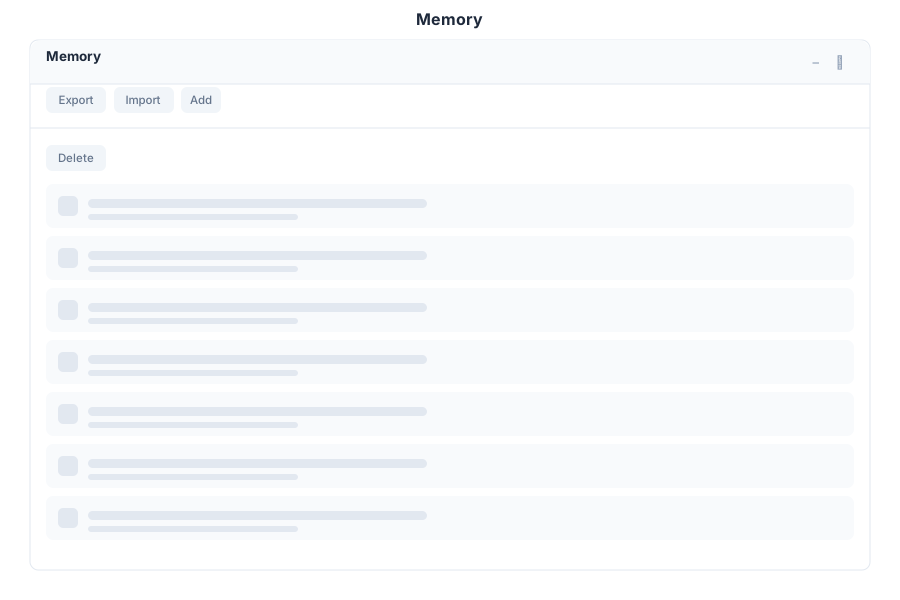
Memory is the profile your assistant builds about you — preferences, context and facts it should carry between conversations. The app is where you read it, correct it and export it.
What it does
| Capability | Detail |
|---|---|
| View memories | Every stored memory is listed and readable, so nothing is remembered behind your back |
| Add a memory | Write one directly instead of waiting for the assistant to infer it |
| Import | Bring in existing memories in bulk |
| Search | Filter the list by text |
| Filter by kind | Separate kinds of memory — preferences, facts, context — are grouped and filtered independently |
Why it matters
An assistant that remembers is more useful and also easier to get wrong. Keeping the memory list visible and editable is what makes it trustworthy: if a memory is stale or wrong, you can remove it rather than argue with it.
Opening it
Memory is a preview application. Turn on the Preview switch in the left sidebar, then open Memory from the app menu.
Limits
- There is no per-memory expiry or automatic review prompt; housekeeping is manual.
- Import is bulk-oriented — for surgical edits, add and delete individual memories instead.
See Also
- Memory Management - How memory works
- Episodic Memory - Conversation-level recall
- Apps overview - Stability classification for the whole suite