Automations 🟡 PREVIEW
Preview application. Usable today, not yet part of the supported surface. See stability.
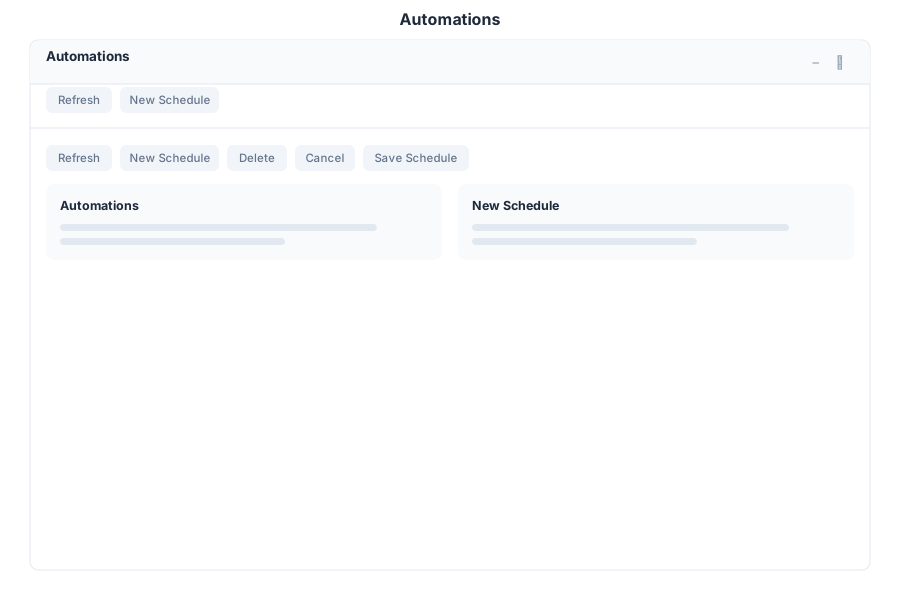
Automations is the suite’s scheduler. It runs an agent on a cron schedule and delivers the result to a channel, without anyone typing a request.
What it does
| Capability | Detail |
|---|---|
| Scheduled runs | Define a schedule with a cron expression, for example */15 * * * * for every quarter hour |
| Natural-language setup | Describe the job in words; the assistant turns it into a schedule |
| Run dashboard | Each schedule lists its runs and their outcomes, refreshed on demand |
| Delivery channels | Results are delivered to a channel rather than only shown in the app |
A typical entry is a recurring report — an inventory digest, a nightly summary, a periodic check — expressed once and then left to run.
Opening it
Automations is a preview application: it does not appear in the launcher until Preview mode is on. Turn on the Preview switch in the left sidebar, then open Automations from the app menu.
Relationship to other scheduling surfaces
| Surface | Use it for |
|---|---|
| Automations app | Recurring jobs you want to see, edit and monitor in one place |
SET SCHEDULE in BASIC | Scheduling inside a bot script, when the logic belongs with the bot |
CREATE_TASK | One-off work assigned to a person or agent |
Limits
- Schedules are configured per bot; there is no cross-bot schedule view.
- Delivery channels depend on which channels the bot has configured.
See Also
- Tasks - Task management with Autotask execution
- Autonomous Tasks - How scheduled agents execute
- Apps overview - Stability classification for the whole suite