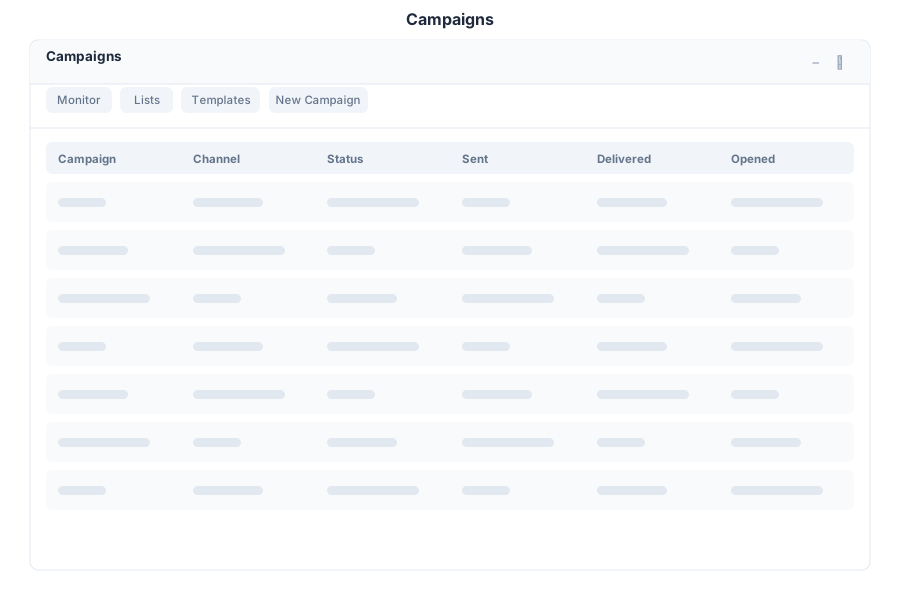
Campaigns is the marketing campaign manager in General Bots Suite. Create, schedule, and track campaigns across Email, WhatsApp, and Social channels. Design templates, manage contact lists, and analyze performance with open rates, click rates, and conversion metrics.
{
    "name": "Summer Sale 2025",
    "channel": "email",
    "subject": "Summer Sale - Up to 50% Off!",
    "list_id": "list-abc",
    "template_id": "tpl-123",
    "schedule": null,
    "content": {
        "html": "<h1>Summer Sale</h1><p>Up to 50% off all items!</p>",
        "text": "Summer Sale - Up to 50% off all items!"
    },
    "settings": {
        "from_name": "Marketing Team",
        "from_email": "sales@company.com",
        "reply_to": "support@company.com"
    }
}
Campaign execution is a real backend flow (not a stub). When you trigger a send the server:
Resolves recipients — either the explicitly requested contact ids, the
members of a list, or the recipients already linked to the campaign.
Loads the template subject/body (or falls back to the campaign settings).
Dispatches each recipient through the configured channel transport
(SMTP mail for email campaigns, the WhatsApp Graph API for WhatsApp).
Marks each marketing_recipients row as sent (or failed with the
transport error), records it in email_tracking, and rolls the counts
into the campaign metrics.
A send with no resolvable recipients returns an explicit client error rather
than a not-implemented response.
The drive.archive command keeps the drive inbox tidy by moving invoice-like
files into an archive folder, and payroll.diagnosis aggregates a branch’s
monthly invoice totals as the ledger basis for payroll: